
Screenshots
Annotated screenshots of the agent UI, portal, reports, and admin settings.
This document maps the current screenshot set in docs/screenshots/ to the screens they represent.
The screenshot library now covers:
- agent login and agent workspace screens
- customer login and customer portal flows
- the expanded admin settings areas and modals
- Android PWA install and notification-permission prompts
- light and dark mode examples
Unless noted otherwise, screenshots are from the light theme.
Login
Agent Login
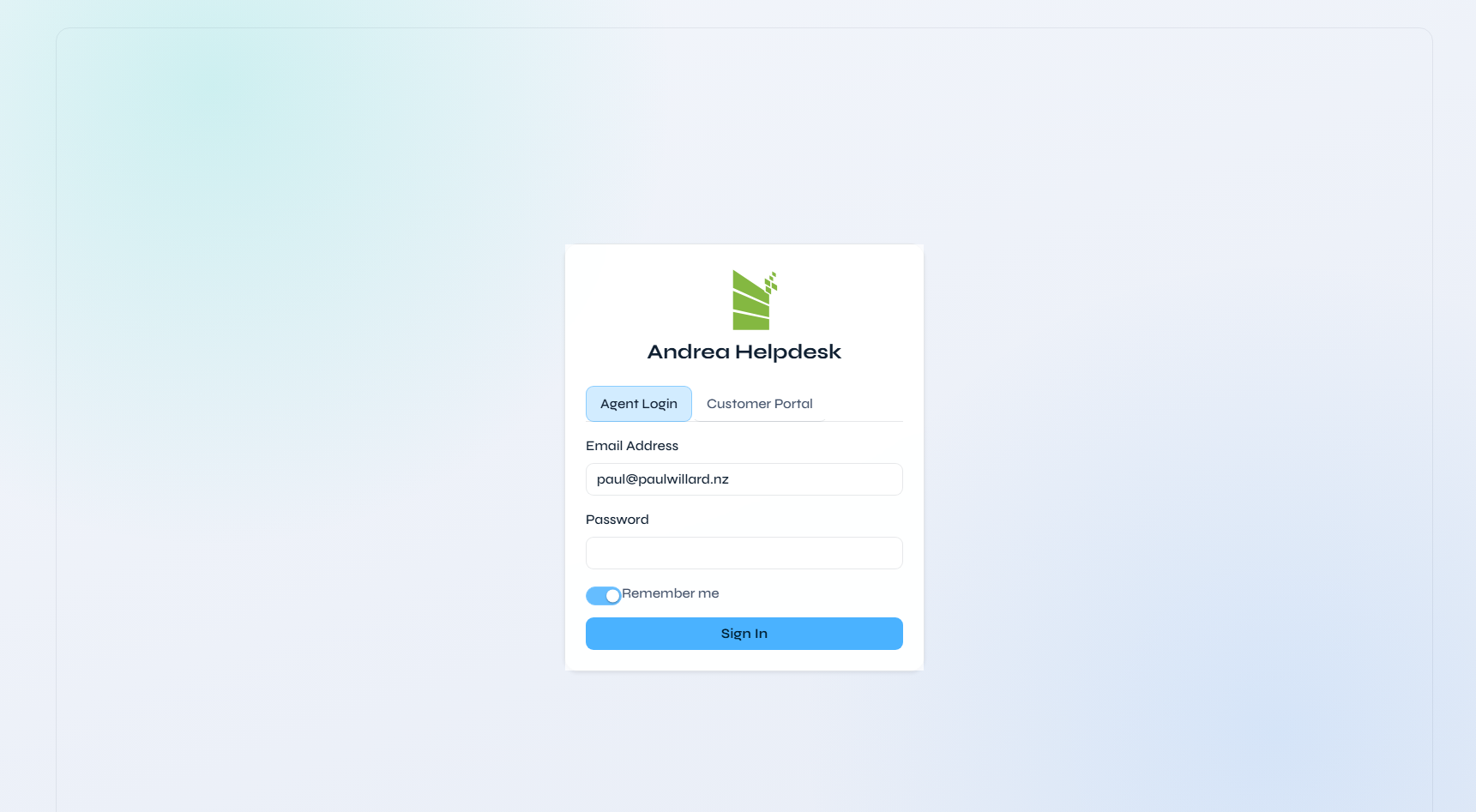
Filename: agent login.png
The shared login page with the Agent Login tab selected. It shows the Andrea Helpdesk brand panel, email/password fields, the Remember me toggle, and the split entry point between the staff helpdesk and the customer portal.
Customer Login
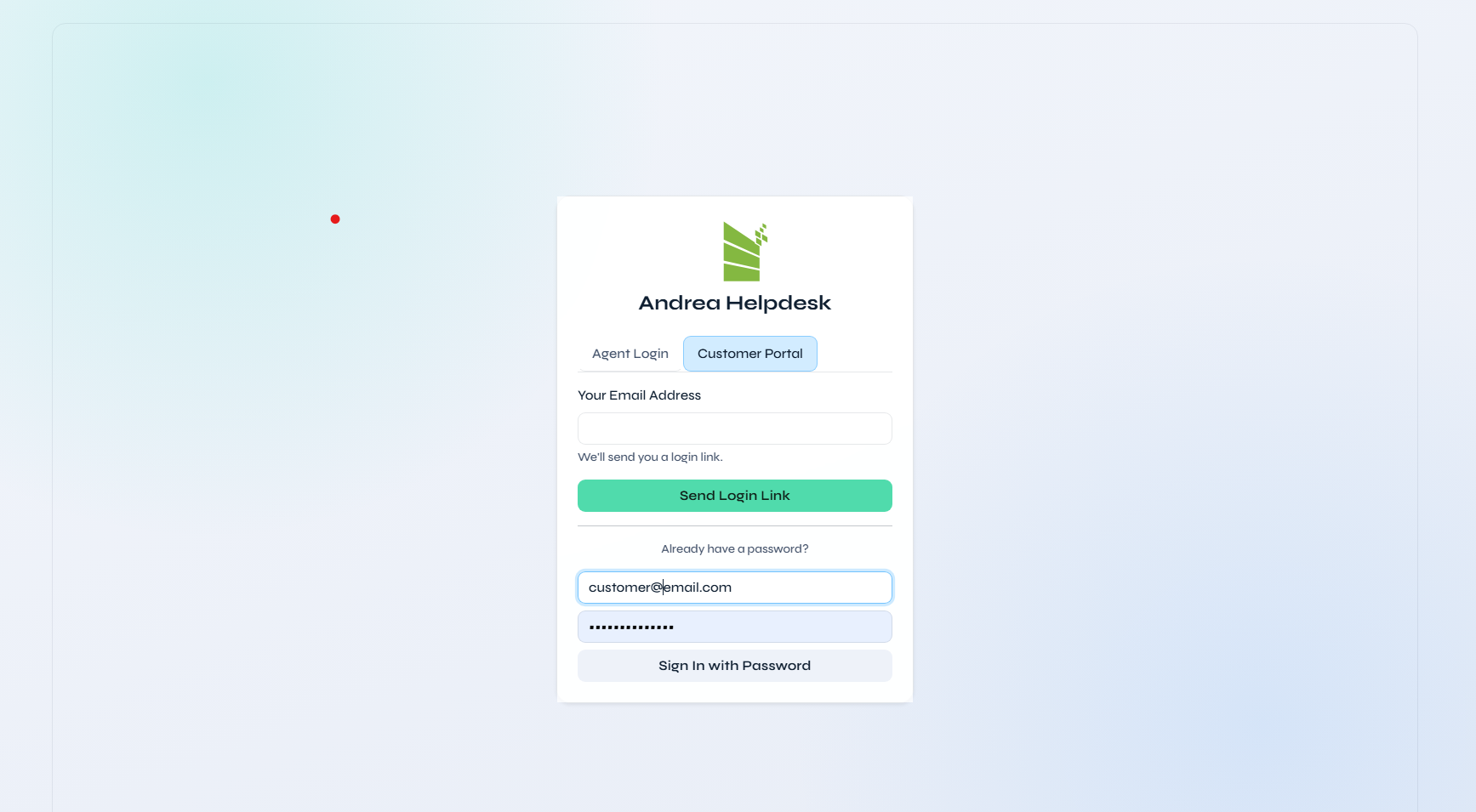
Filename: customer login.png
The same shared login page with the Customer Portal tab selected, documenting the customer-facing entry route and the matching portal sign-in form.
Dashboard And Core Agent Views
Dashboard
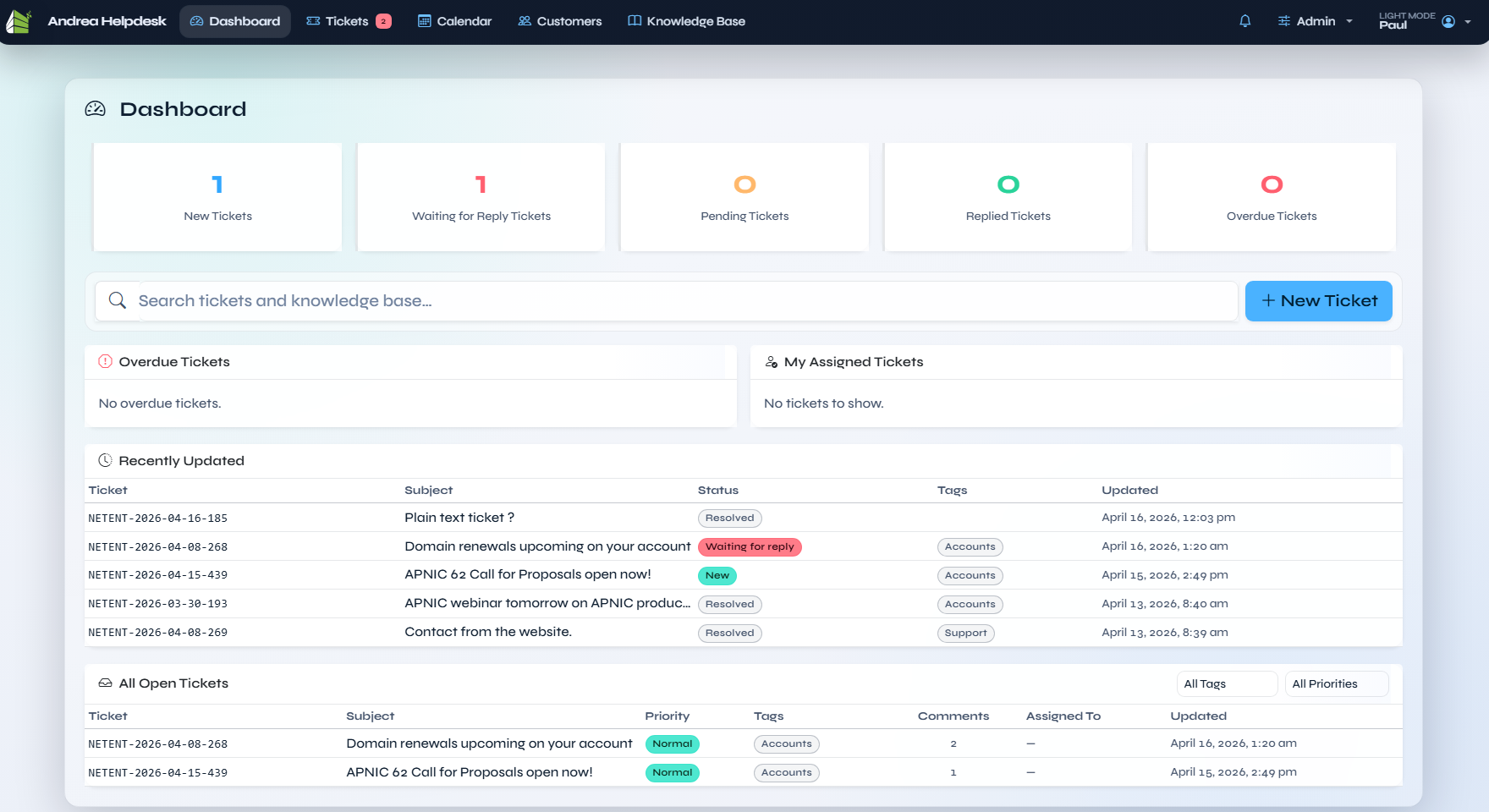
Filename: dashboard.png
The main agent dashboard in light mode. It shows the live ticket counters, global search, and the ticket summary widgets that agents use for queue triage.
Dashboard (Dark Mode)
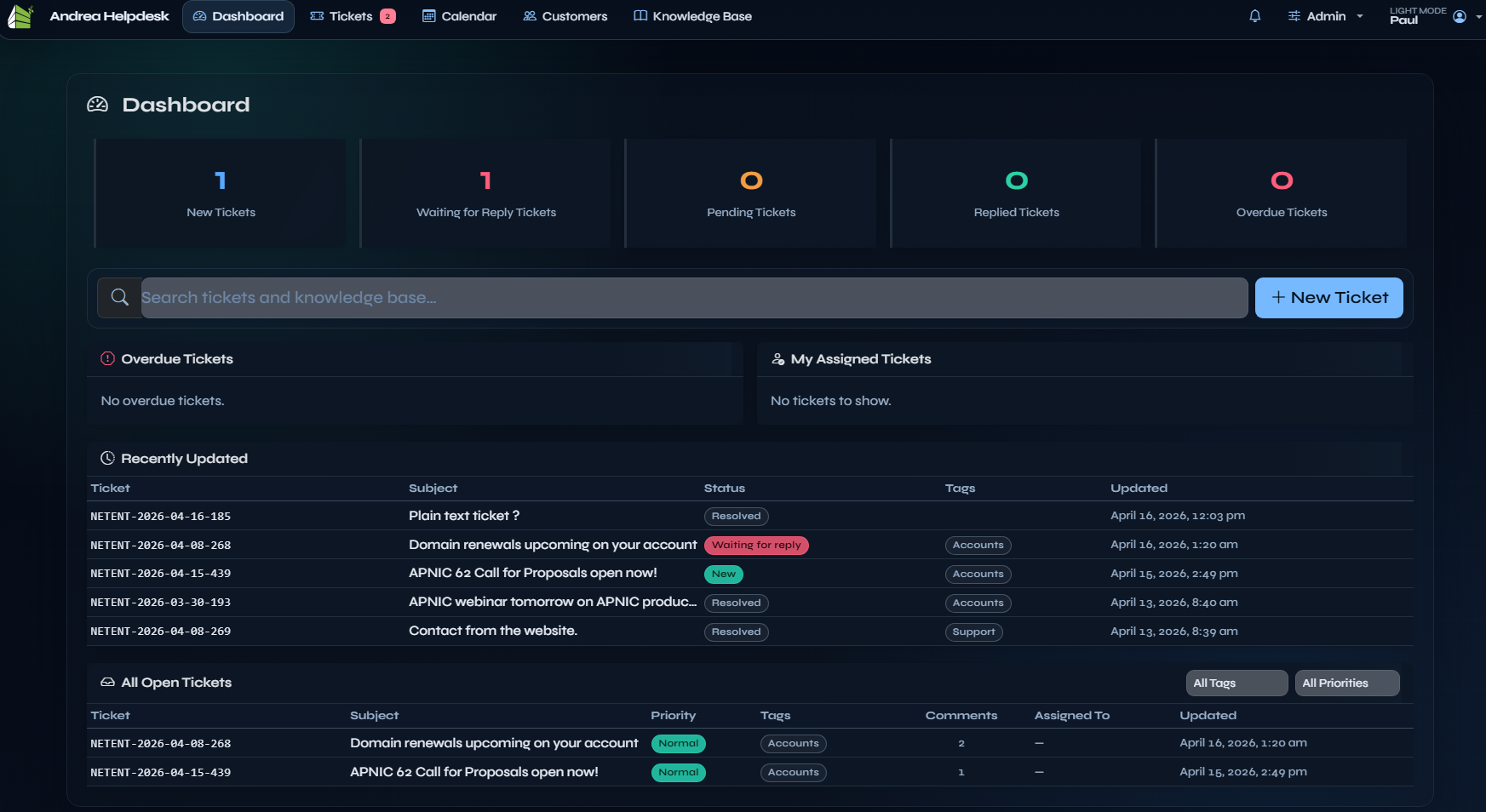
Filename: dashboard dark mode.png
The dashboard in dark mode, included to document the alternate profile theme and the darker card/table treatment.
Tickets
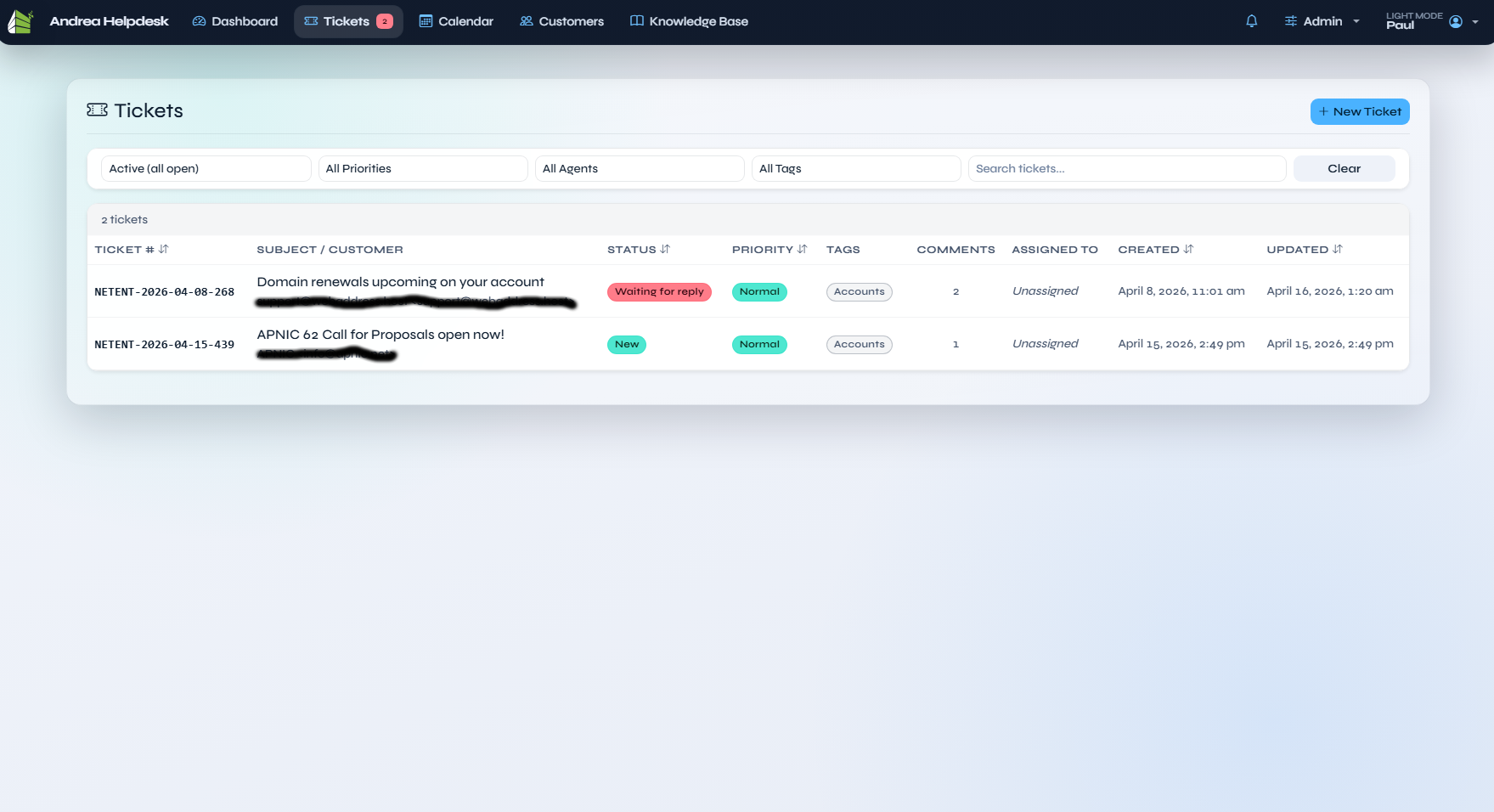
Filename: tickets.png
The main ticket list with filters, search, priority/status badges, tags, assignment, and pagination.
Ticket Detail
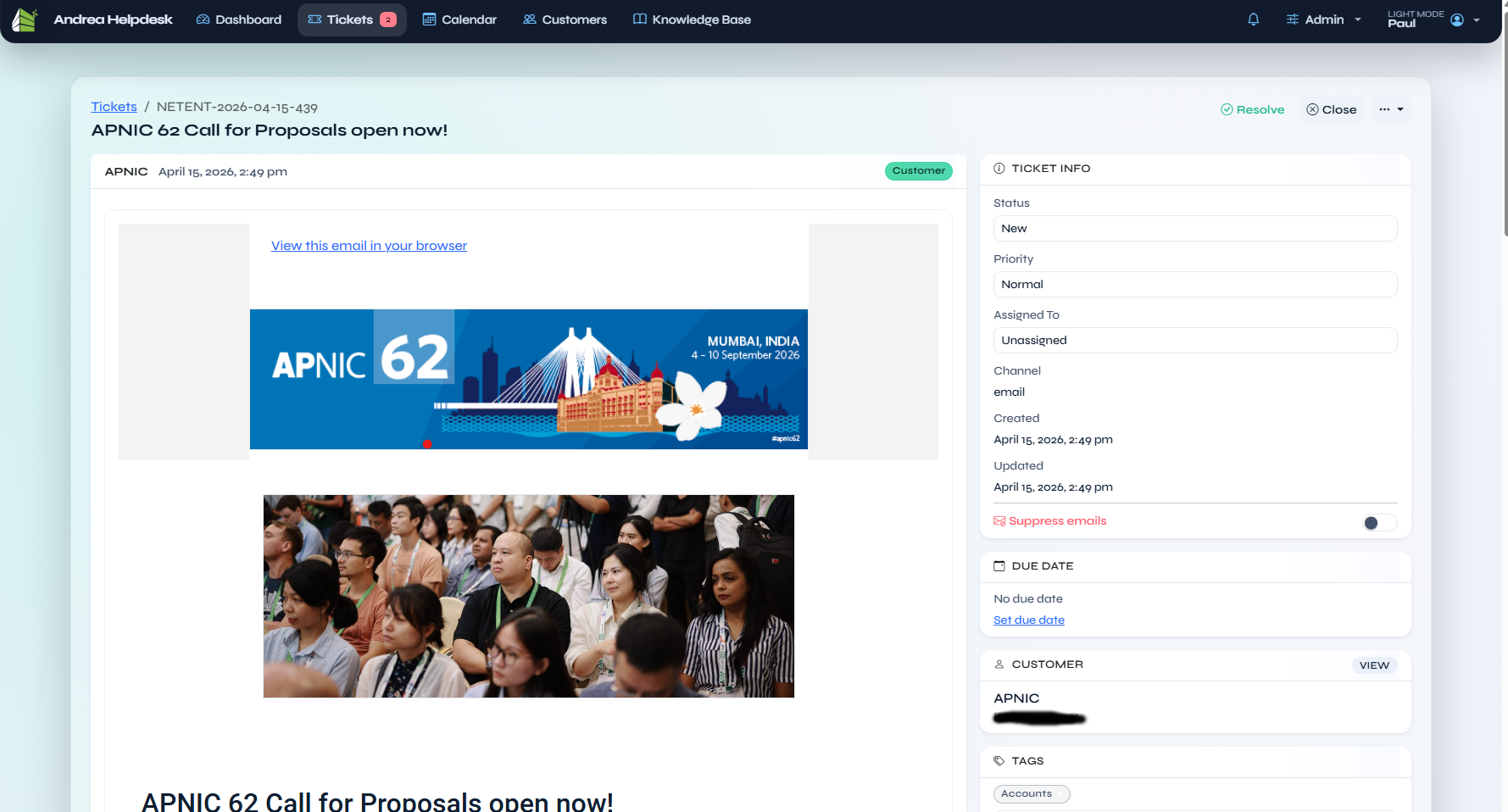
Filename: ticket details.png
The ticket conversation view with the thread, ticket metadata, tags, participants, attachments, related records, and the ticket actions sidebar.
Ticket Detail Reply / Internal Note
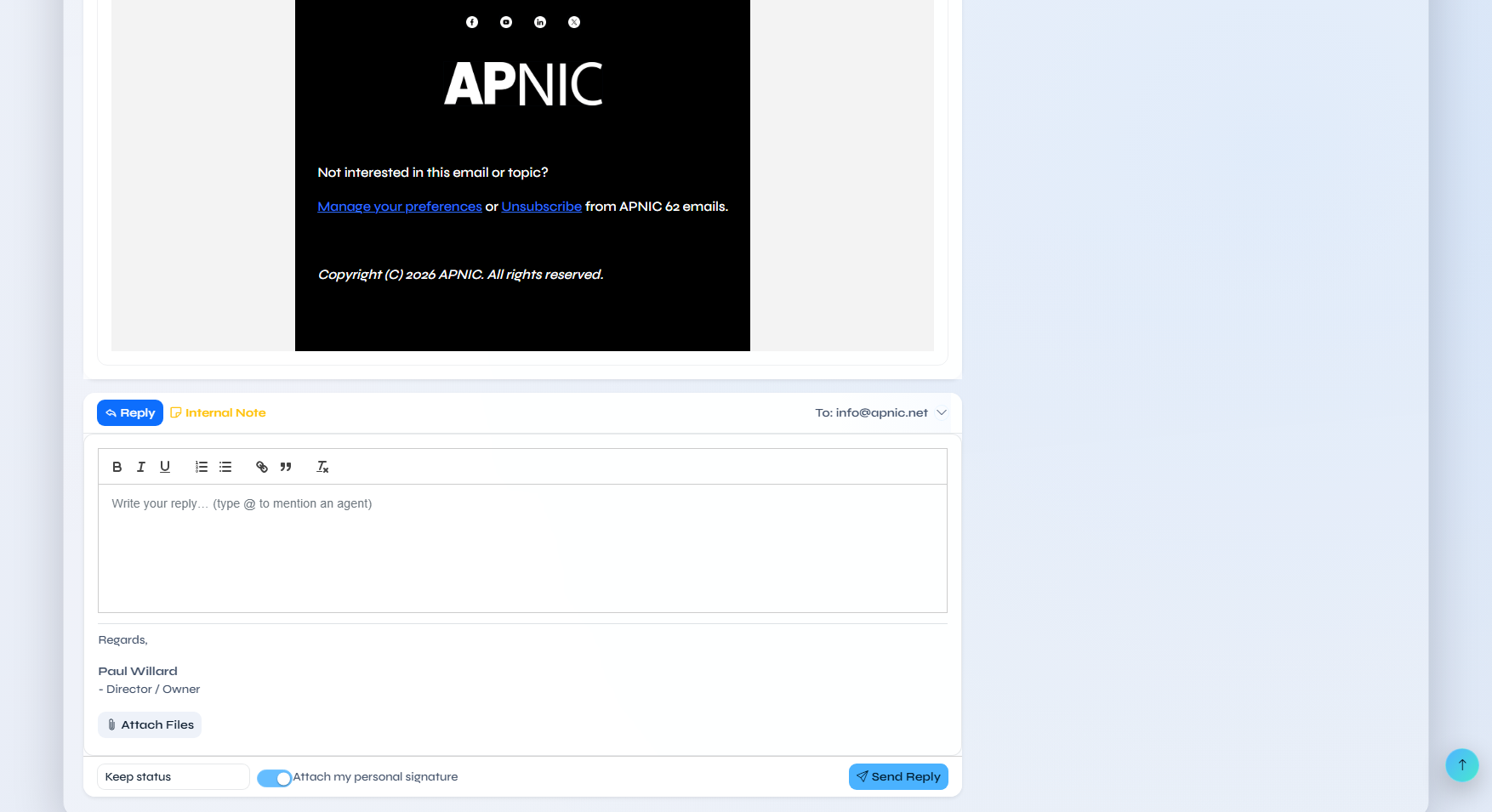
Filename: ticket details reply or internal note.png
The same ticket detail screen with the reply composer expanded, showing the reply/internal-note workflow, attachments area, and send controls.
Calendar
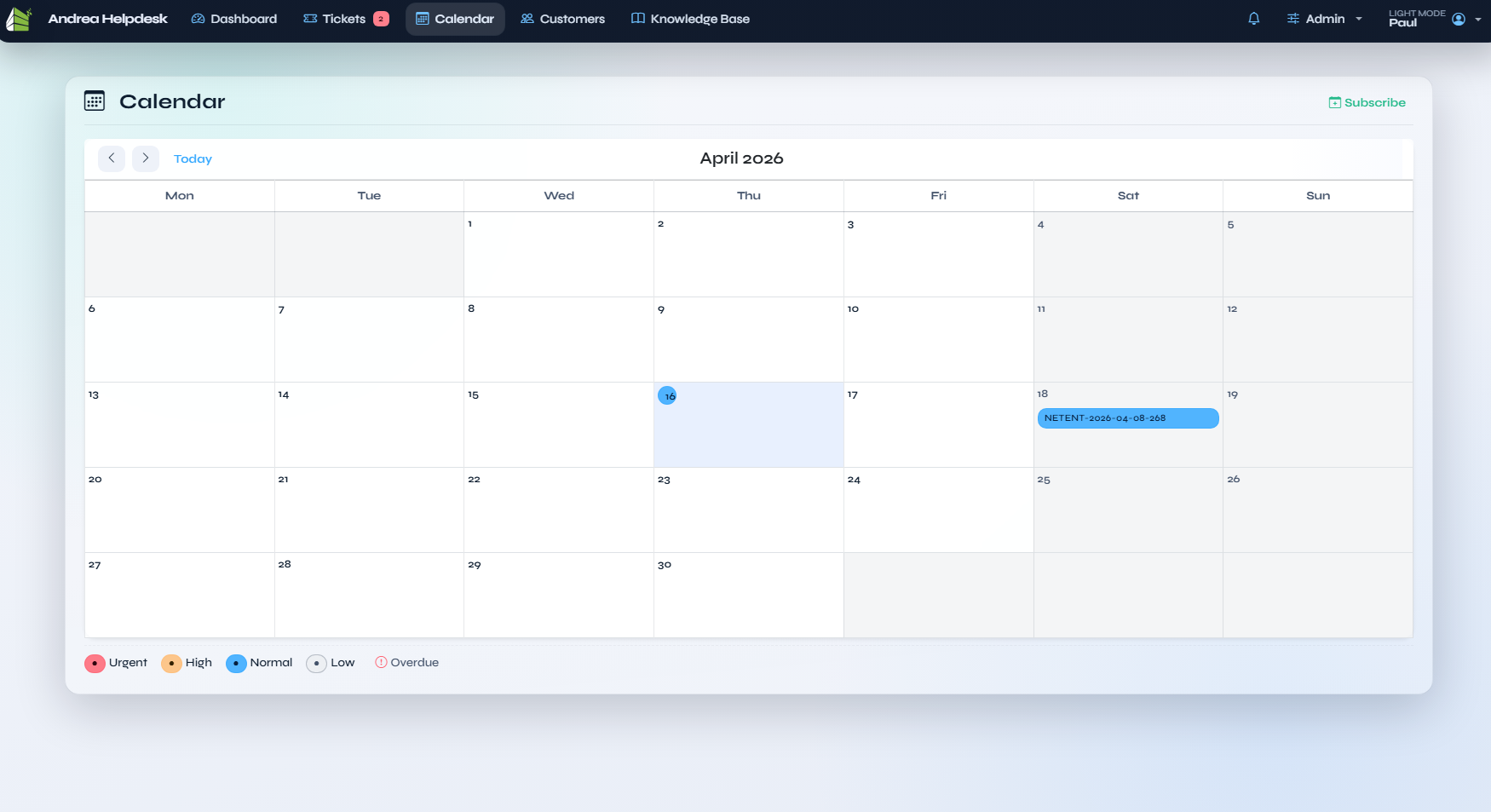
Filename: calendar.png
The ticket calendar view, showing due-date scheduling on a month grid with colour-coded priority legends and the subscribe link for calendar feeds.
Customers
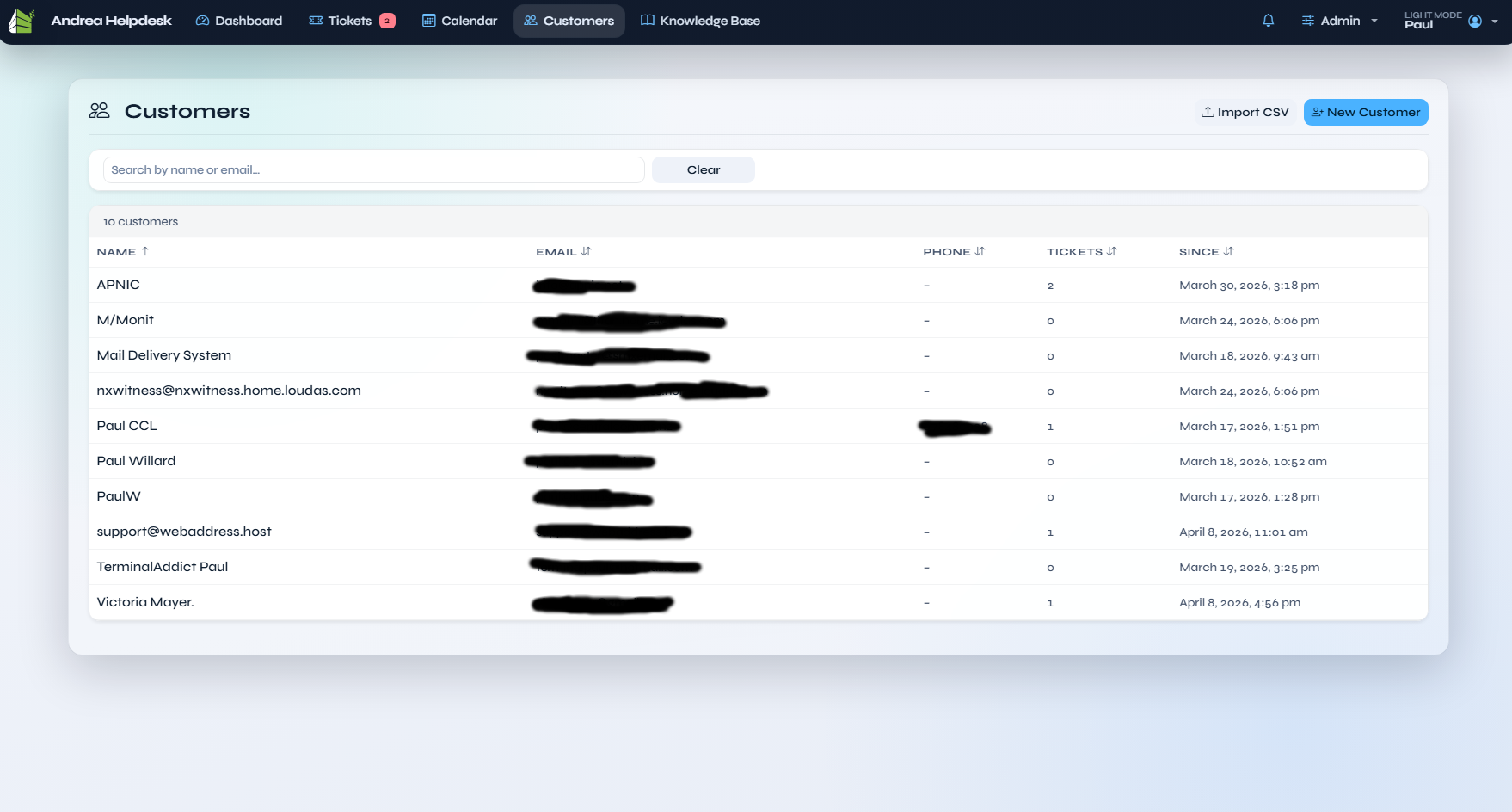
Filename: customers.png
The customer list screen with search, customer metadata, and the table of all known customers.
Customer Details
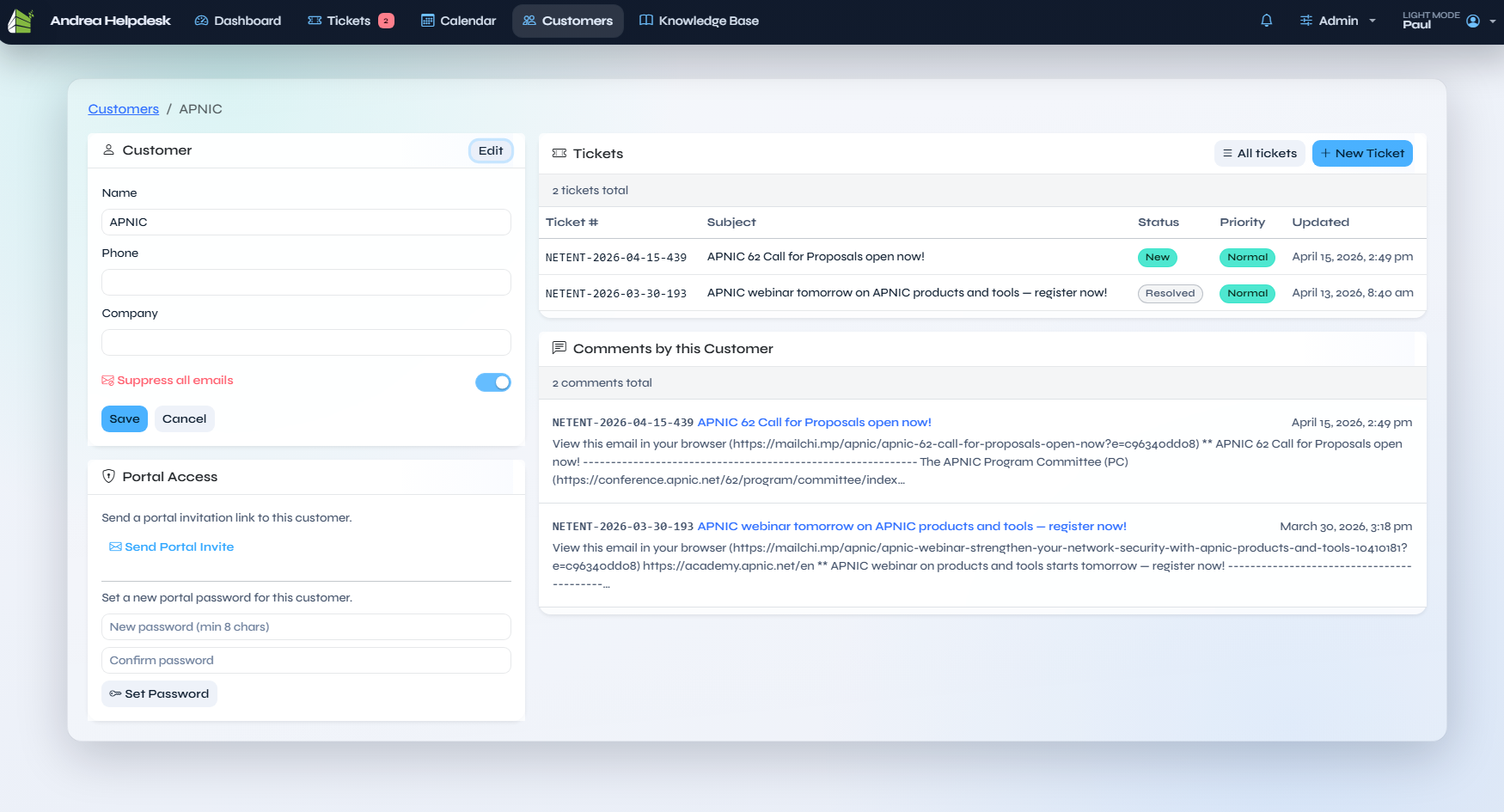
Filename: customer details.png
The customer profile screen, including the customer record fields, portal-access actions, ticket history, and the chronological reply/activity stream.
Knowledge Base
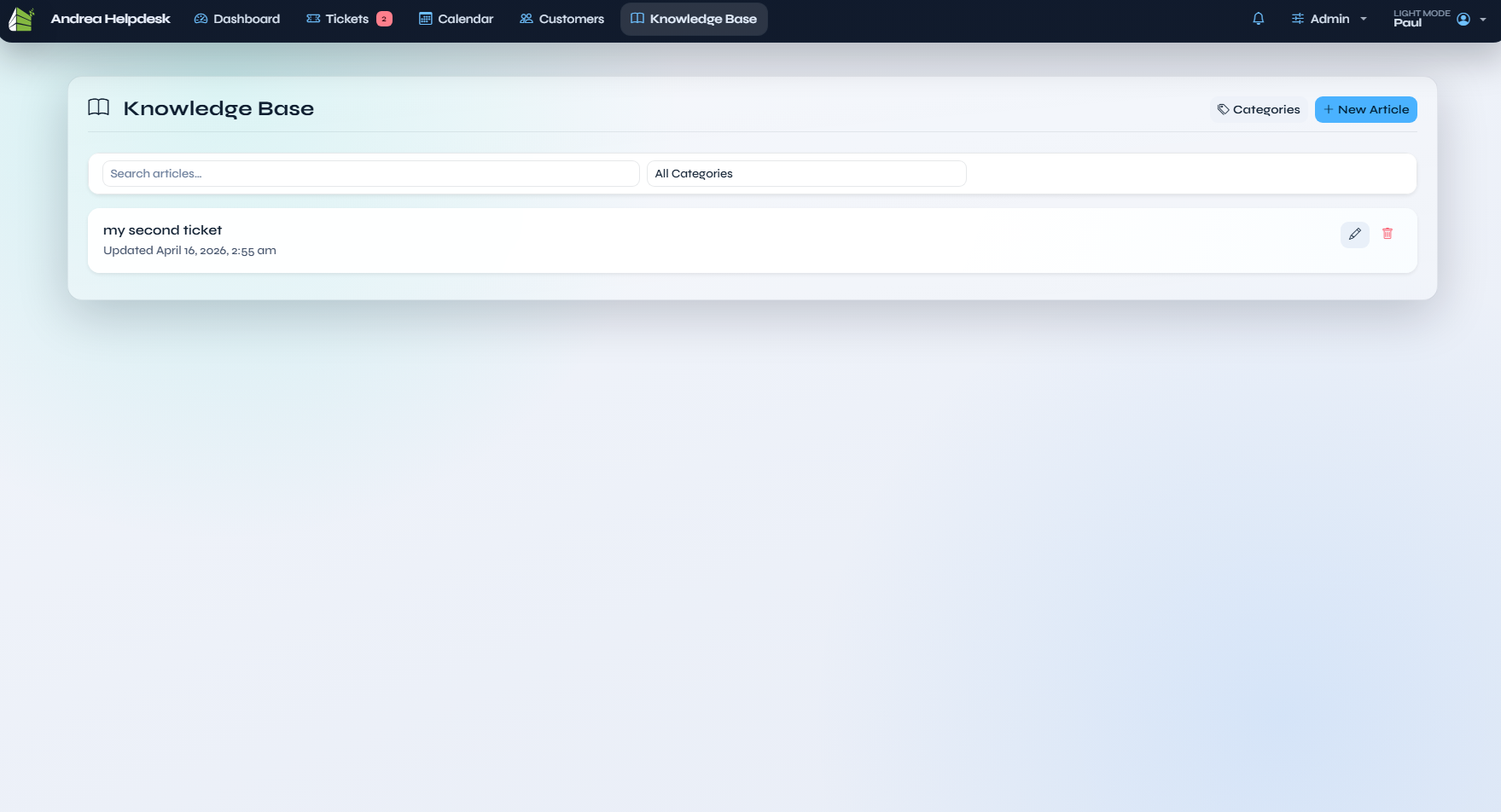
Filename: knowledgebase.png
The knowledge base article list with search, category filtering, and article-management actions.
Knowledge Base Detail
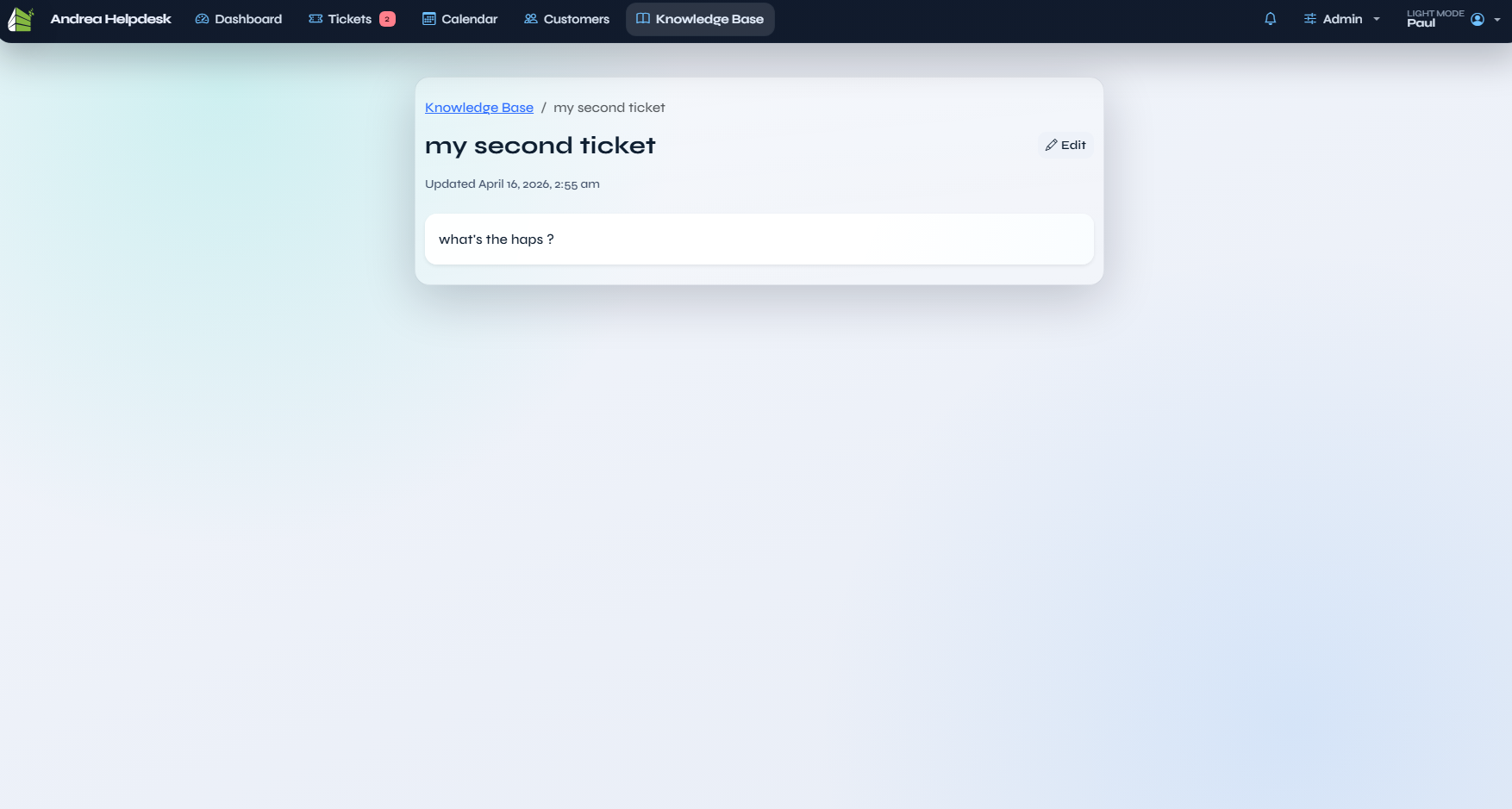
Filename: knowledgebase detail.png
An individual knowledge base article/editing screen, documenting the article body area and category/content workflow.
Customer Portal
Customer Portal Ticket List
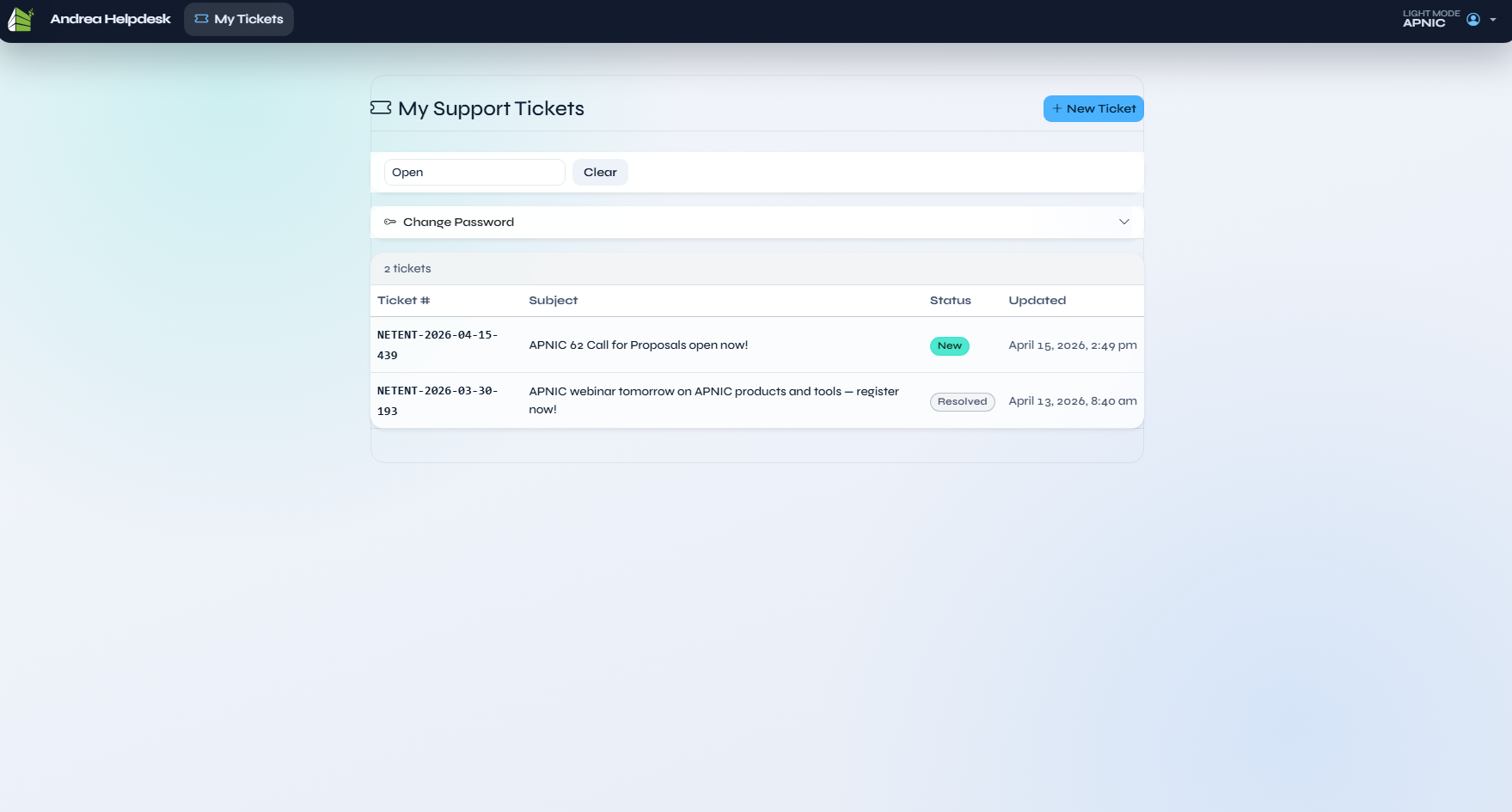
Filename: customer portal.png
The customer portal home screen showing the customer’s own tickets, status filtering, and the customer-side New Ticket entry point.
Customer Portal New Ticket
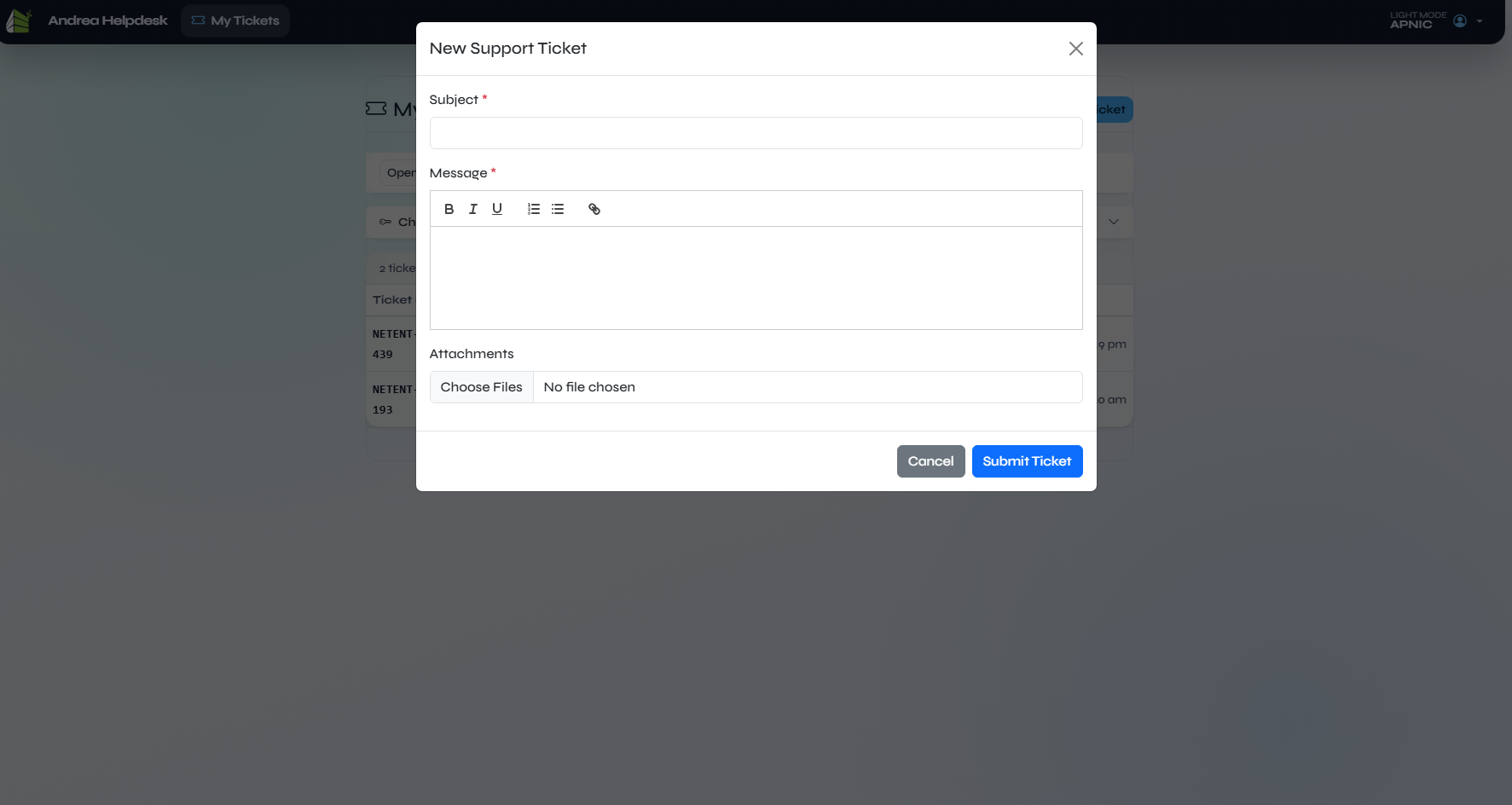
Filename: customer portal new ticket.png
The customer-facing new-ticket form used to submit a support request directly from the portal.
Customer Portal Reply
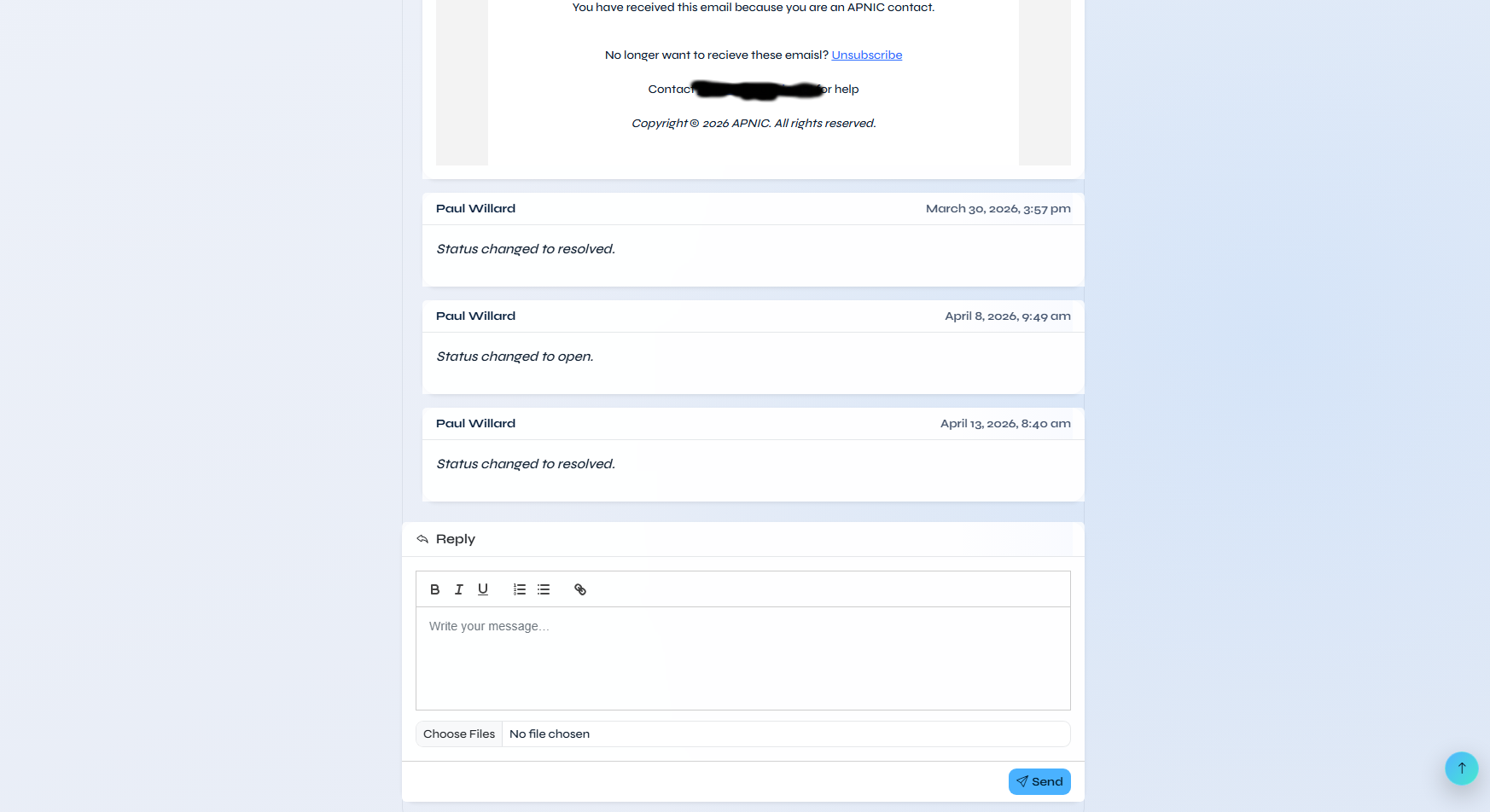
Filename: customer portal reply.png
The customer ticket detail / reply screen showing the portal conversation thread and customer reply workflow.
Admin
Admin Reports
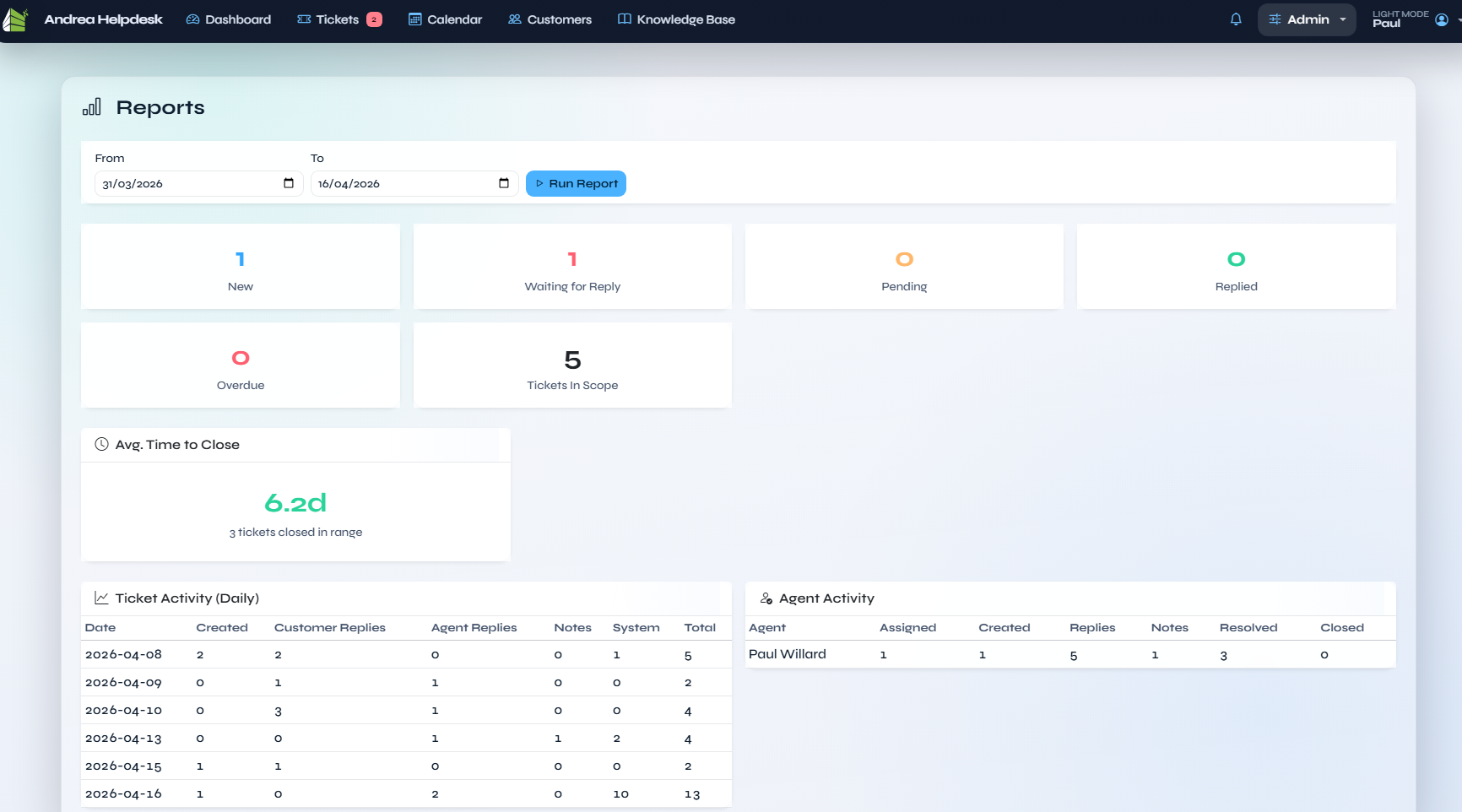
Filename: admin reports.png
The reports screen with the current activity-based reporting layout, including date filters, summary cards, close-time metrics, and agent/activity tables.
Admin Agents
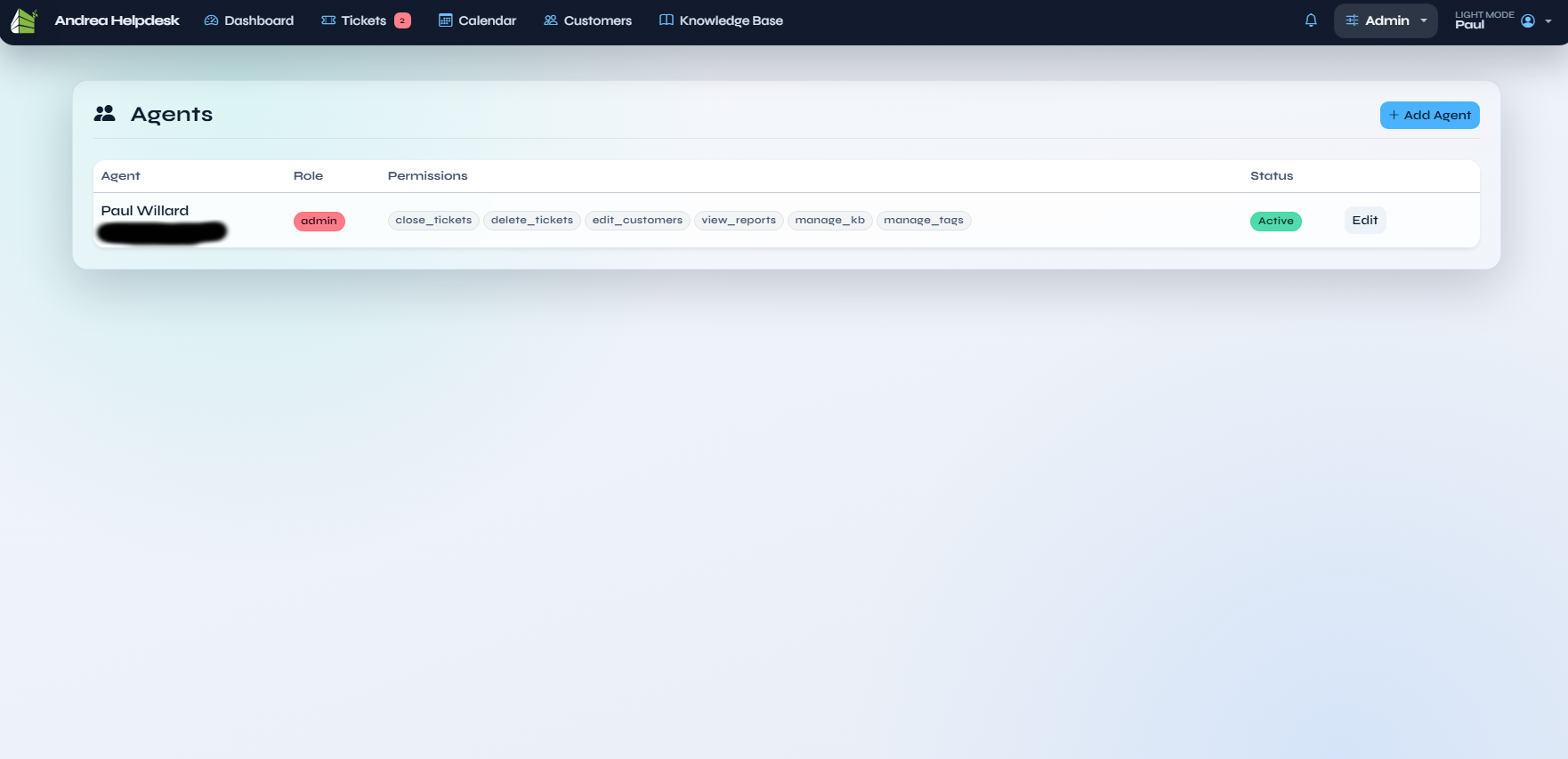
Filename: admin agents.png
The agents administration list, showing roles, permissions, active/inactive status, last-login information, and the controls for editing, deactivating, or reactivating agents while preserving historical ownership and audit visibility.
Admin Agents Edit Modal
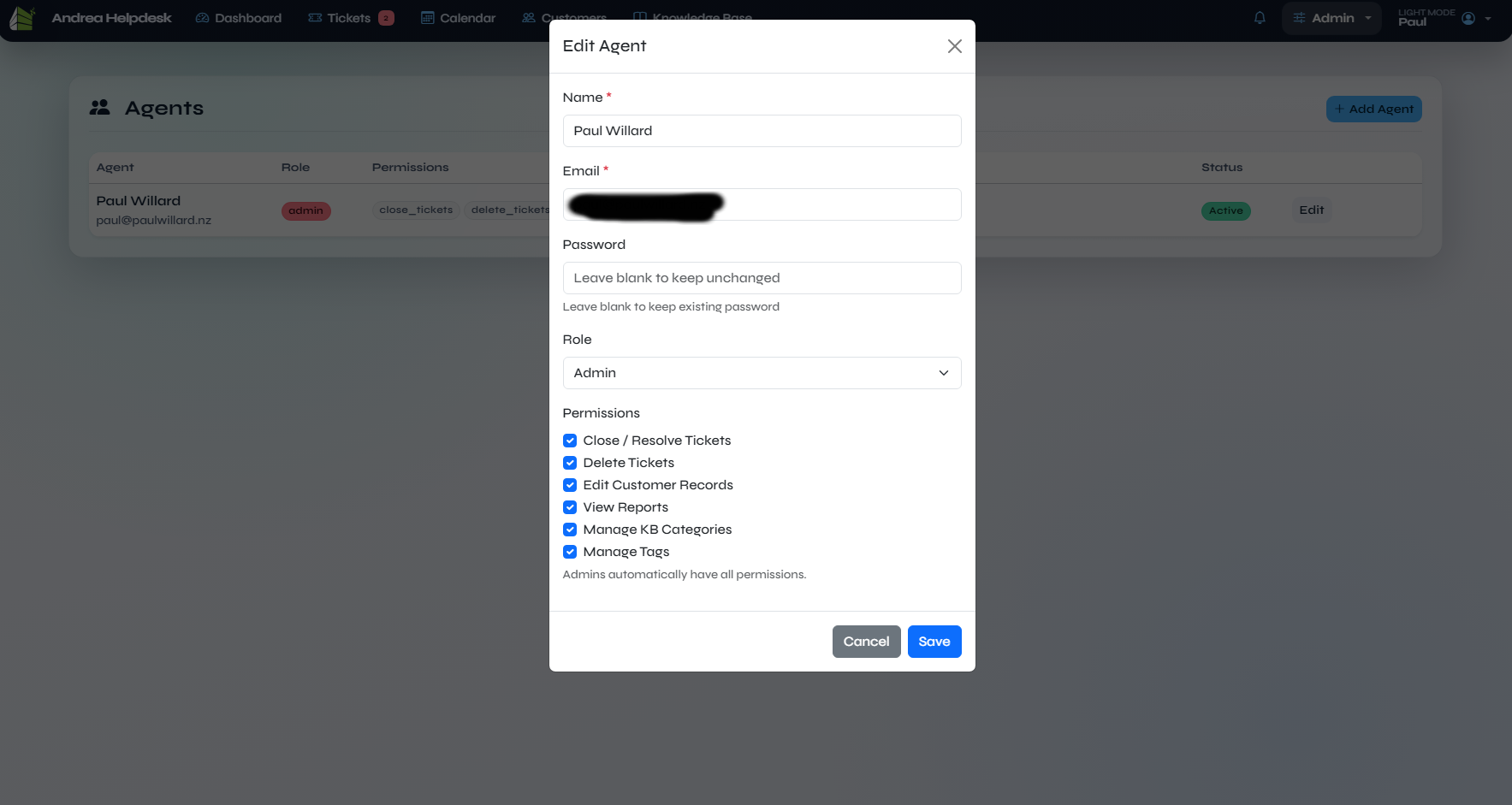
Filename: admin agents edit.png
The add/edit agent modal, documenting the modal-based agent-management flow and the permission toggle layout.
Admin Tags
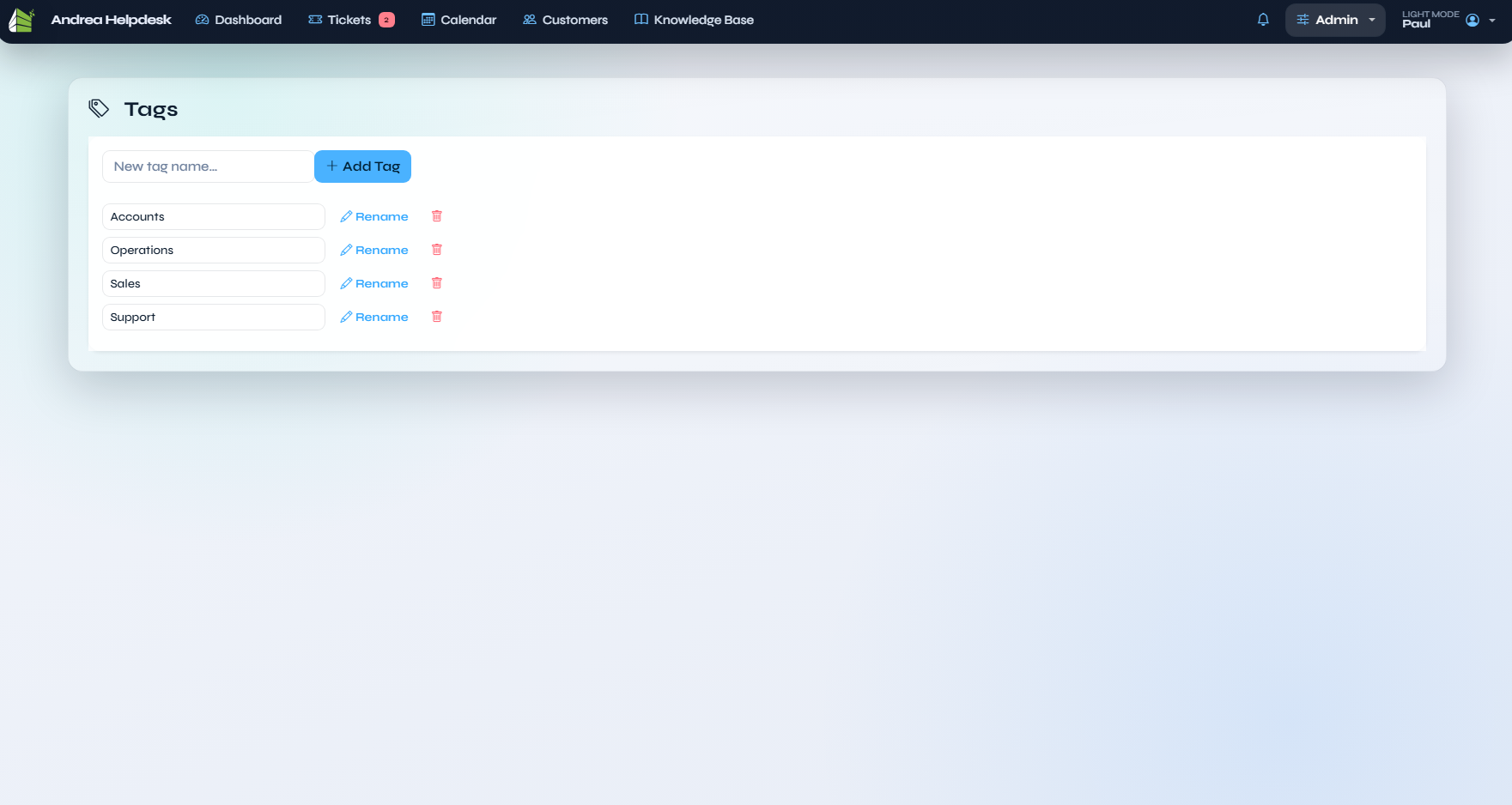
Filename: admin tags.png
The dedicated tag-management screen used to maintain the global ticket tag list.
Admin Settings
The settings screenshots now cover each route-backed admin settings section rather than the older tab-only documentation.
General Settings
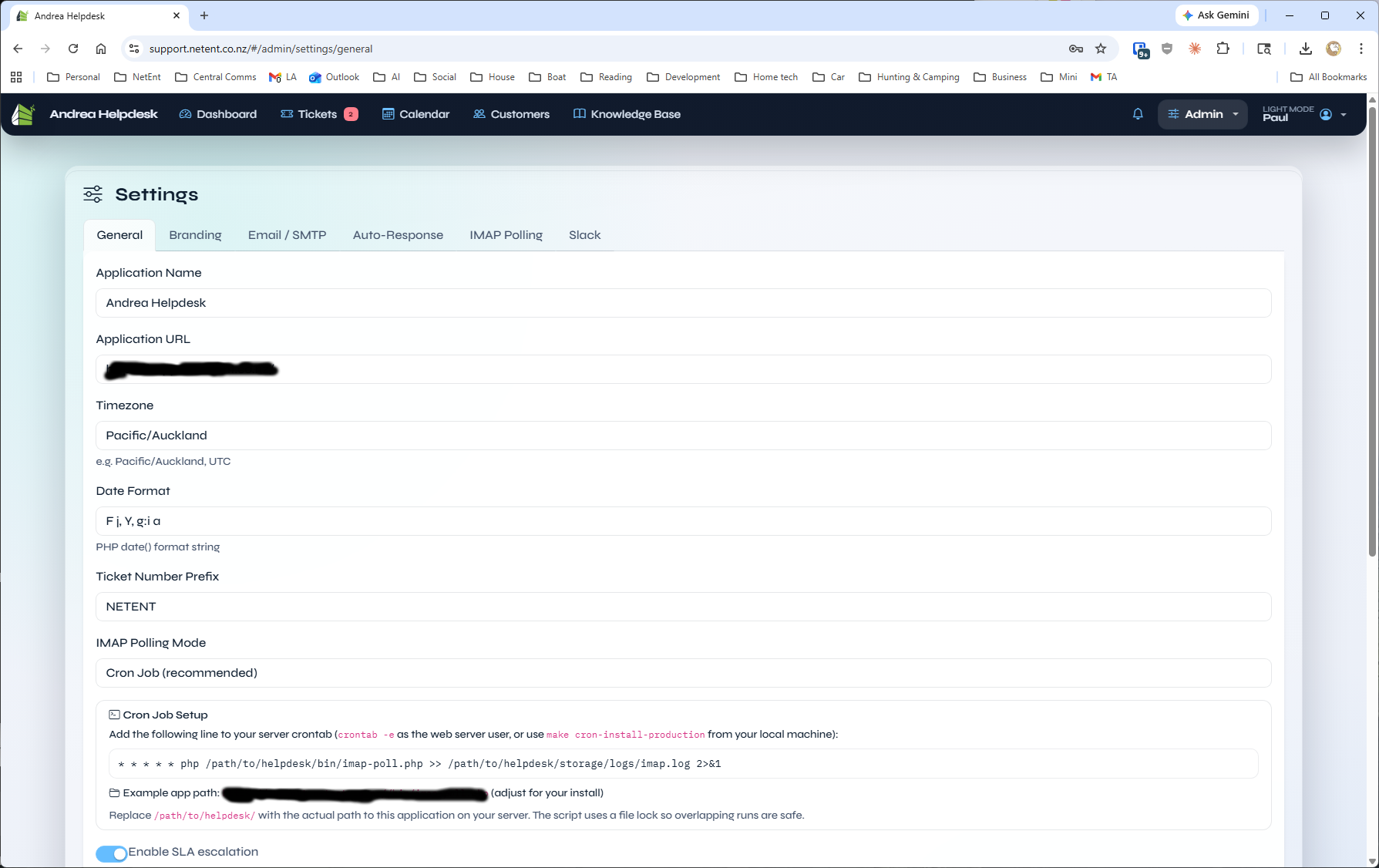
Filename: admin settings.png
The upper portion of General settings, including application identity, timezone/date settings, ticket prefix, and IMAP polling mode.
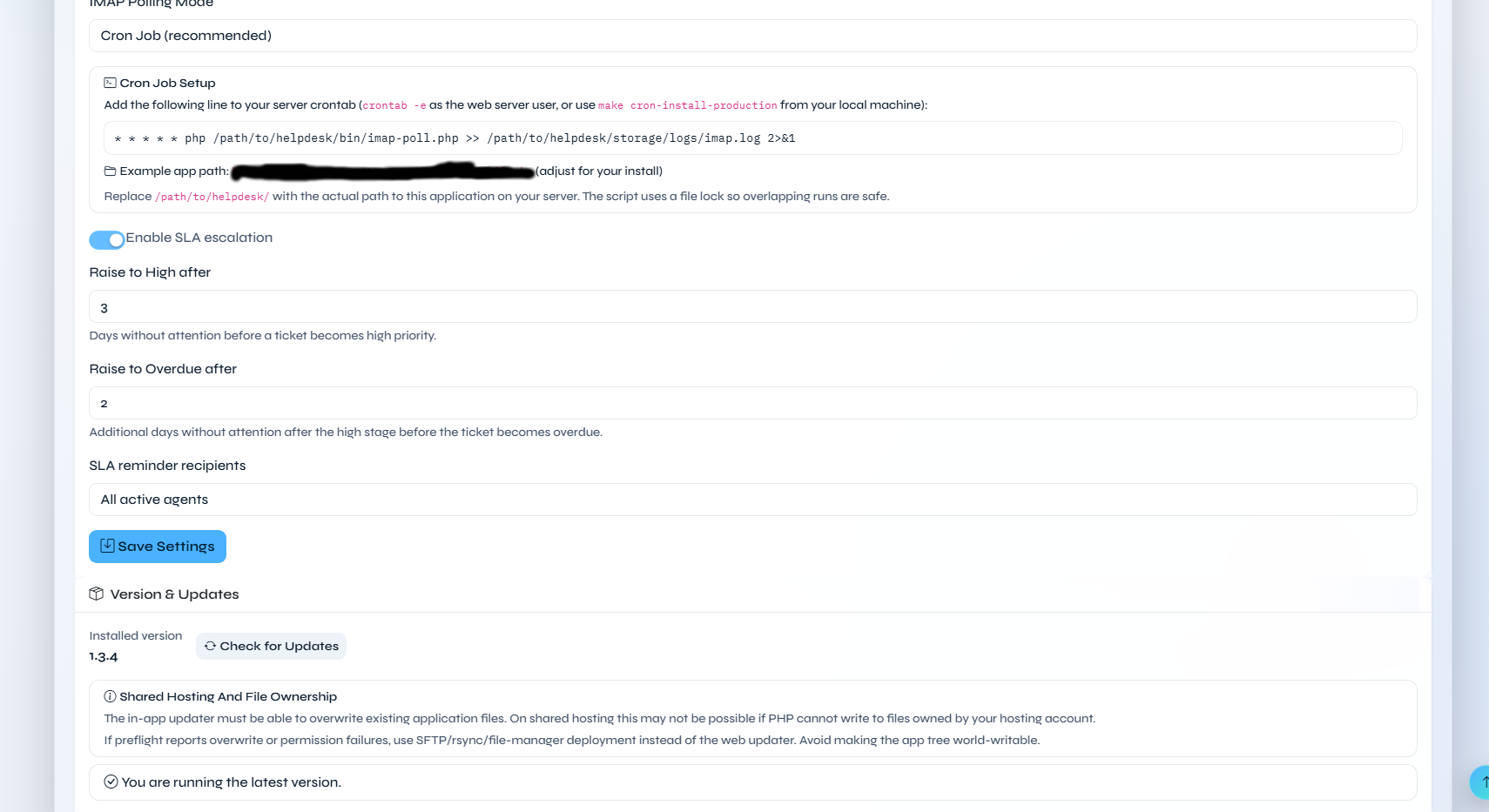
Filename: admin settings 2.png
The lower portion of General settings, showing cron setup help, SLA escalation controls, and the Version & Updates panel with stable/development update channel selection plus shared-hosting/file-ownership guidance.
Branding Settings
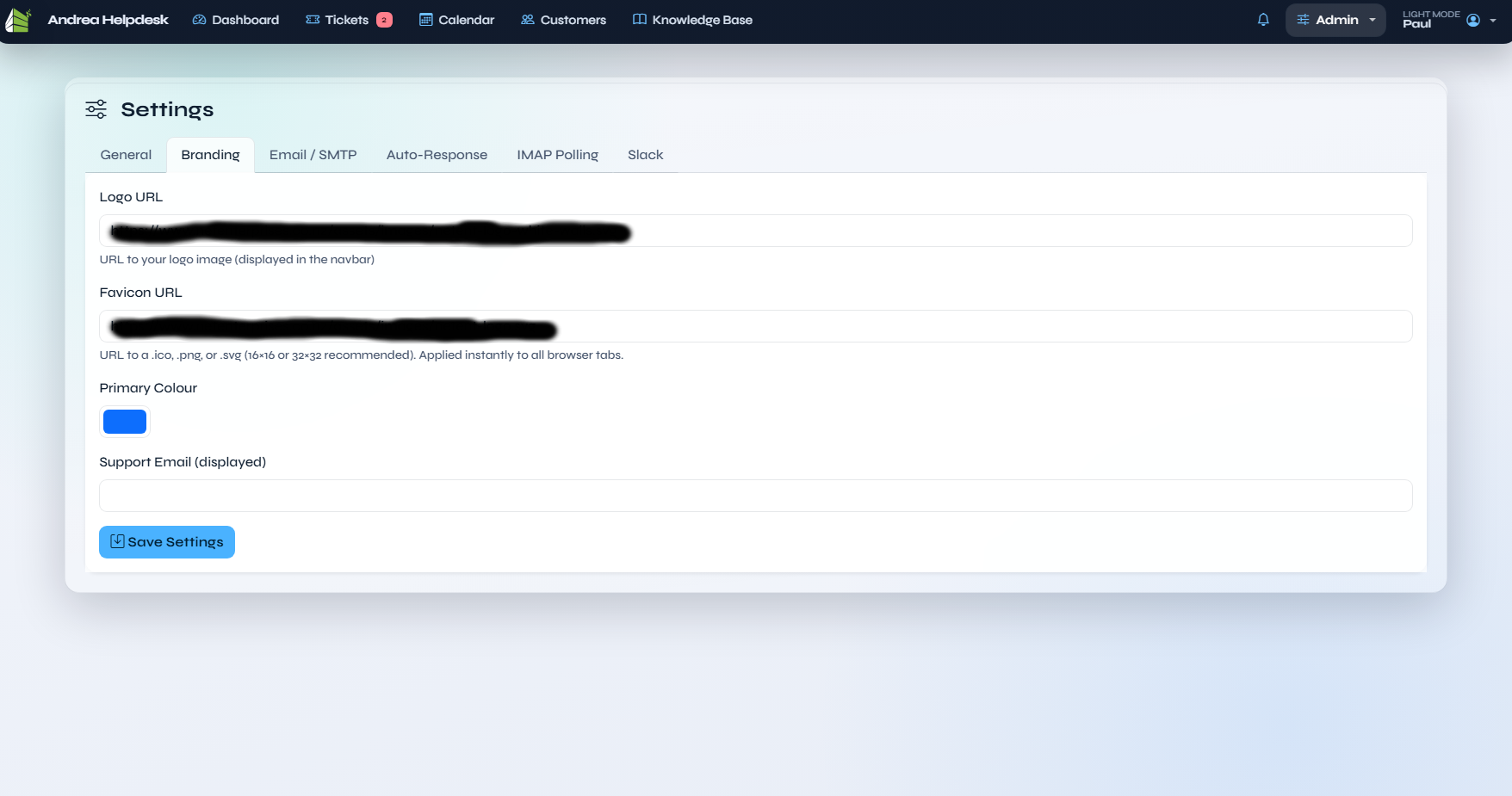
Filename: admin branding.png
The Branding settings page for logo, favicon, primary colour, and support-email presentation.
The PWA uses the configured Application Name for the install manifest. It uses the optional PWA / Notification Icon URL from Admin → Settings → Notifications when set; otherwise it falls back to this Branding page’s Favicon URL.
Email / SMTP Settings
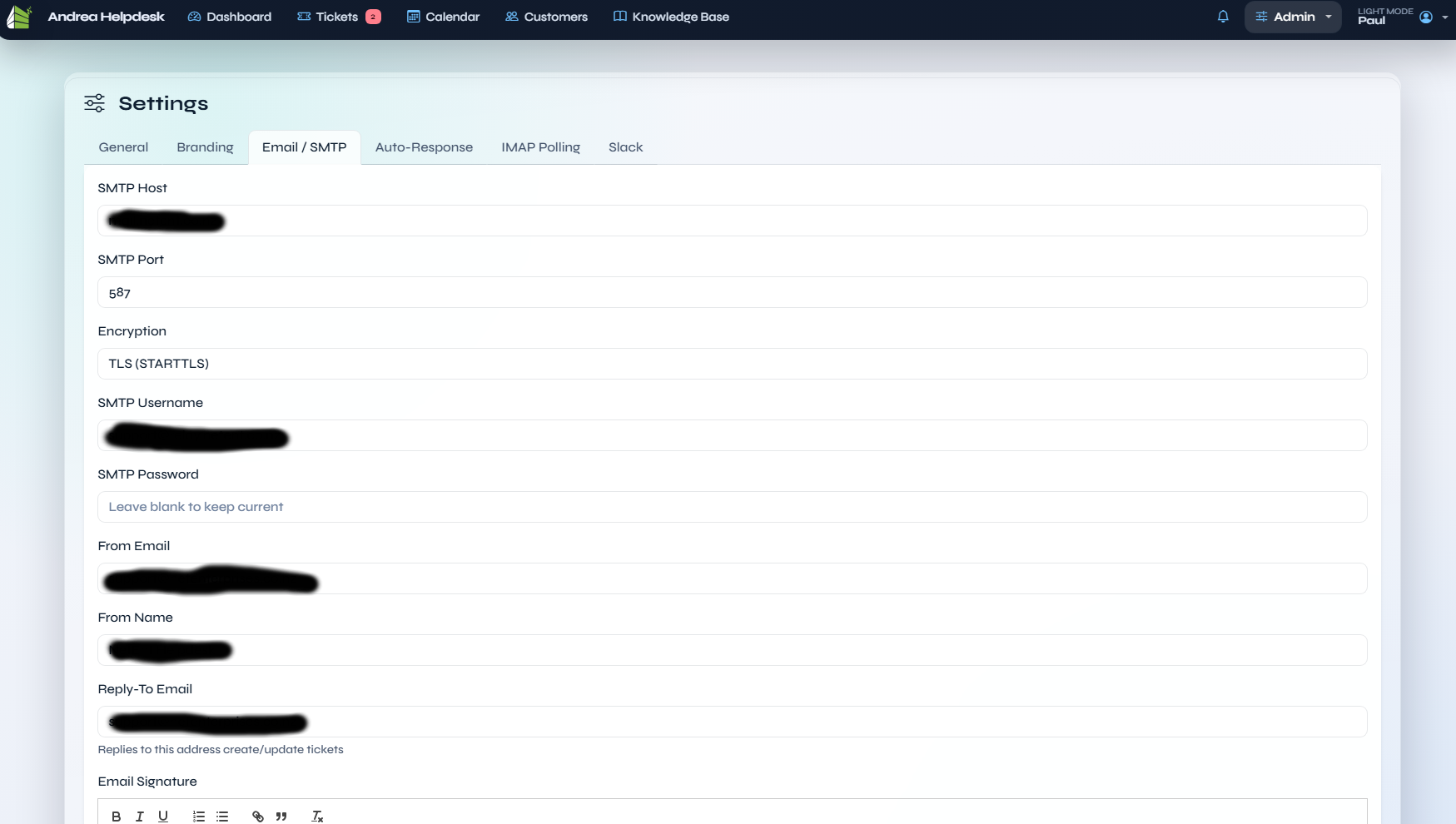
Filename: admin email.png
The upper section of Email / SMTP settings, covering transport settings such as host, port, encryption, credentials, from-addresses, and reply-to routing.
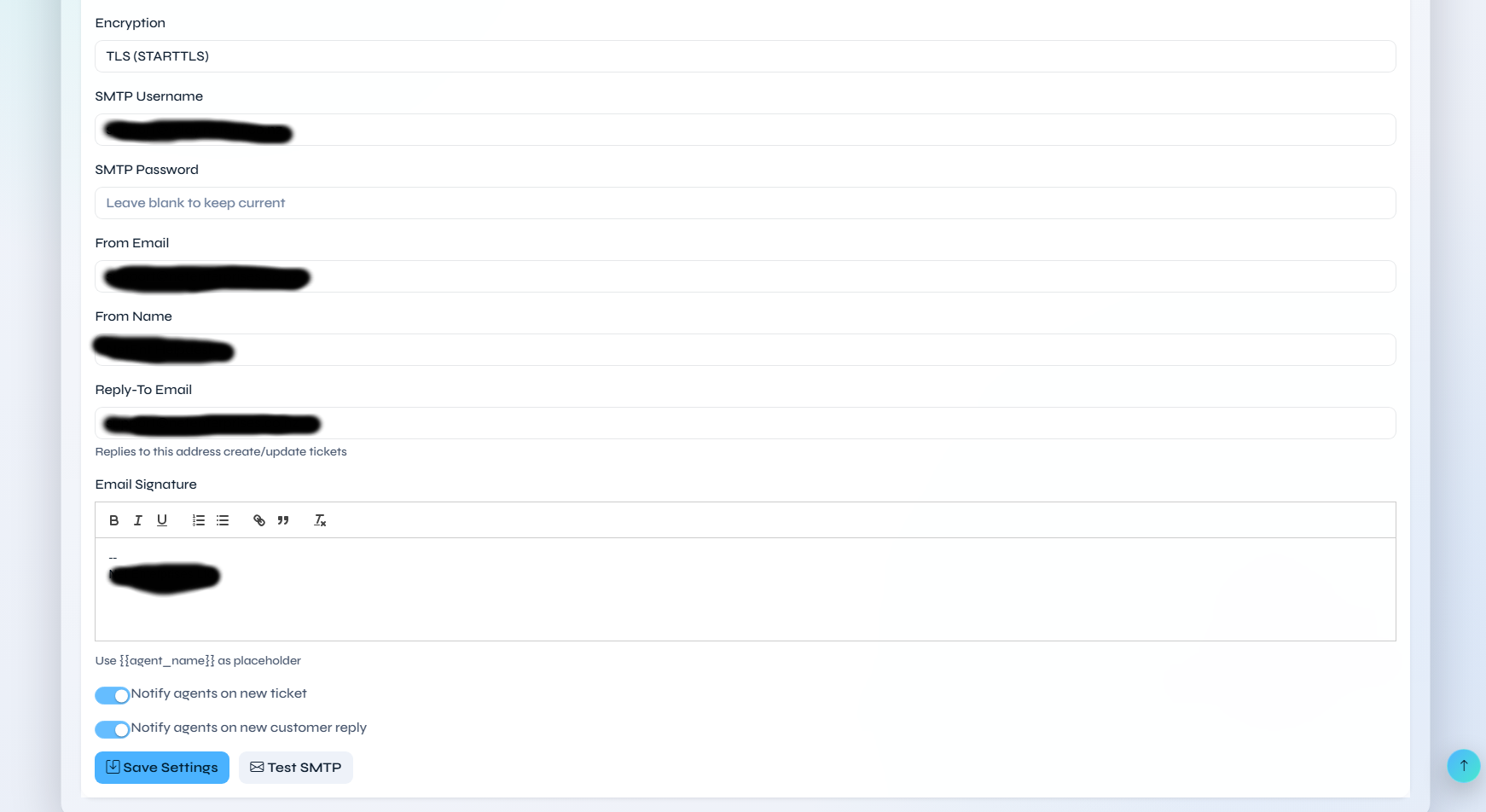
Filename: admin email 2.png
The lower section of Email / SMTP settings, showing the signature editor, inbound sender blocklist, blocked-sender response text, notification toggles, save action, and the Test SMTP action.
Auto-Response Settings
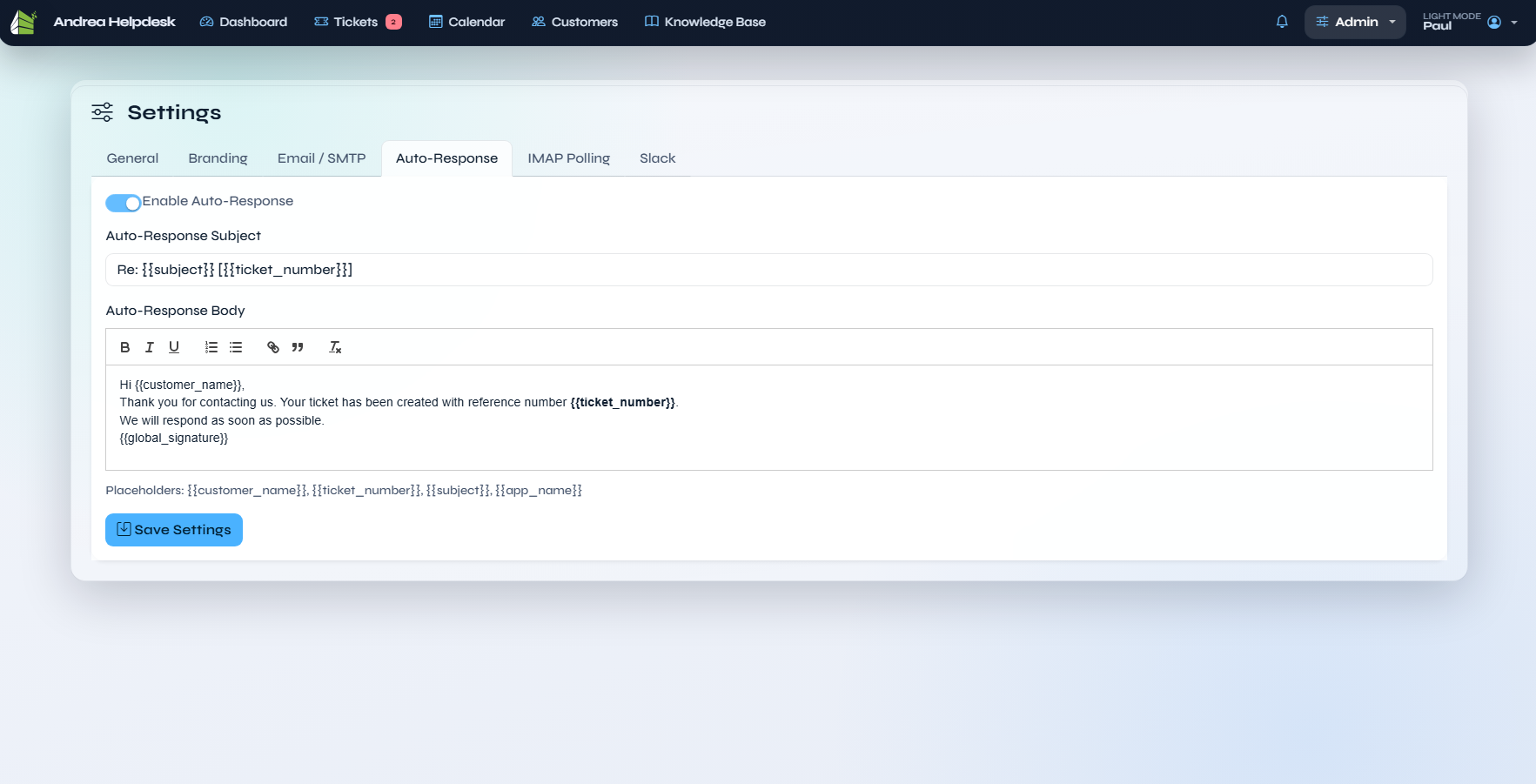
Filename: admin auto reponse.png
The Auto-Response settings page, documenting the automatic customer acknowledgement configuration.
IMAP Polling Settings
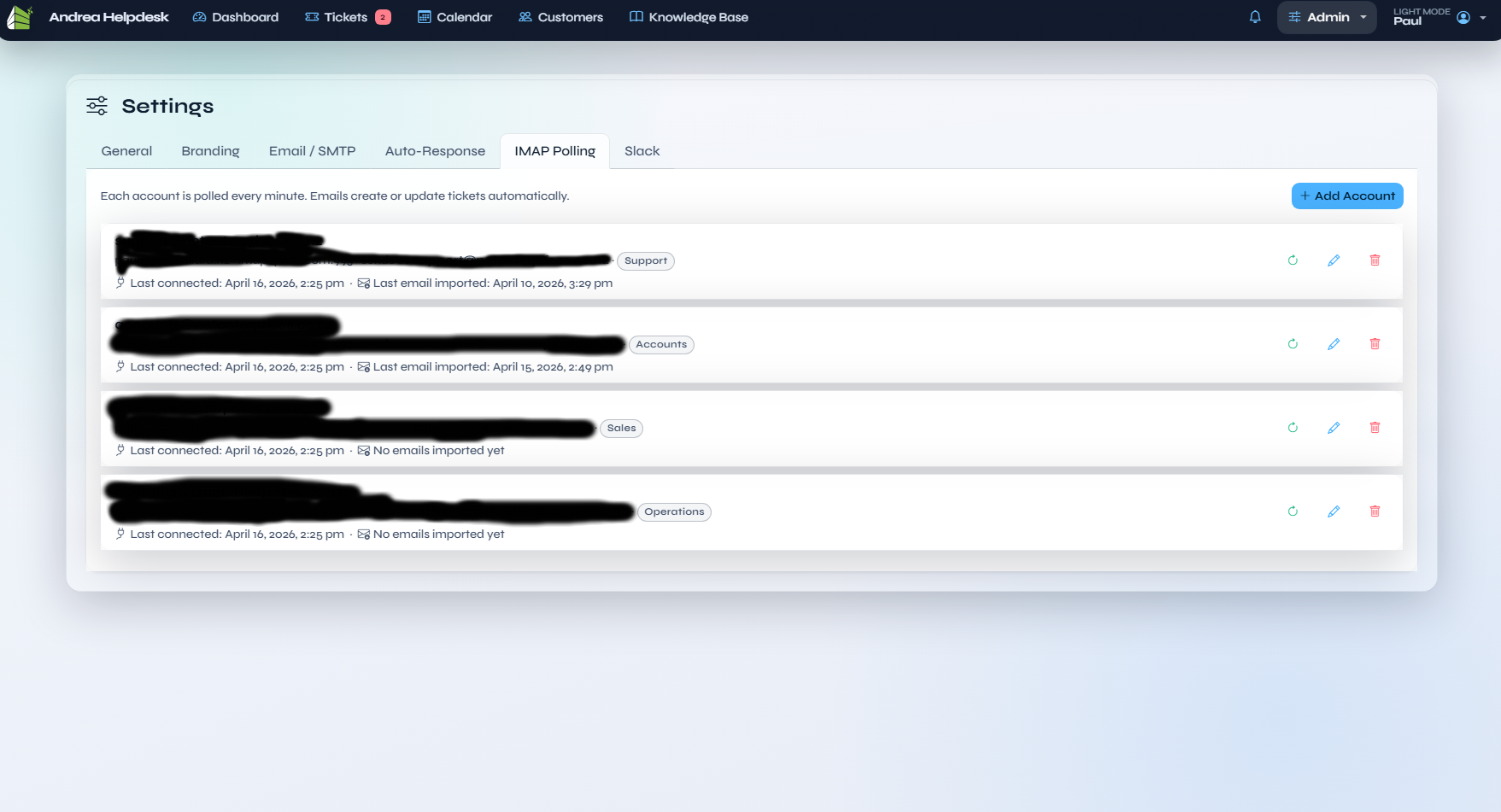
Filename: admin imap polling.png
The IMAP account list and polling configuration screen used to manage inbound mailbox polling.
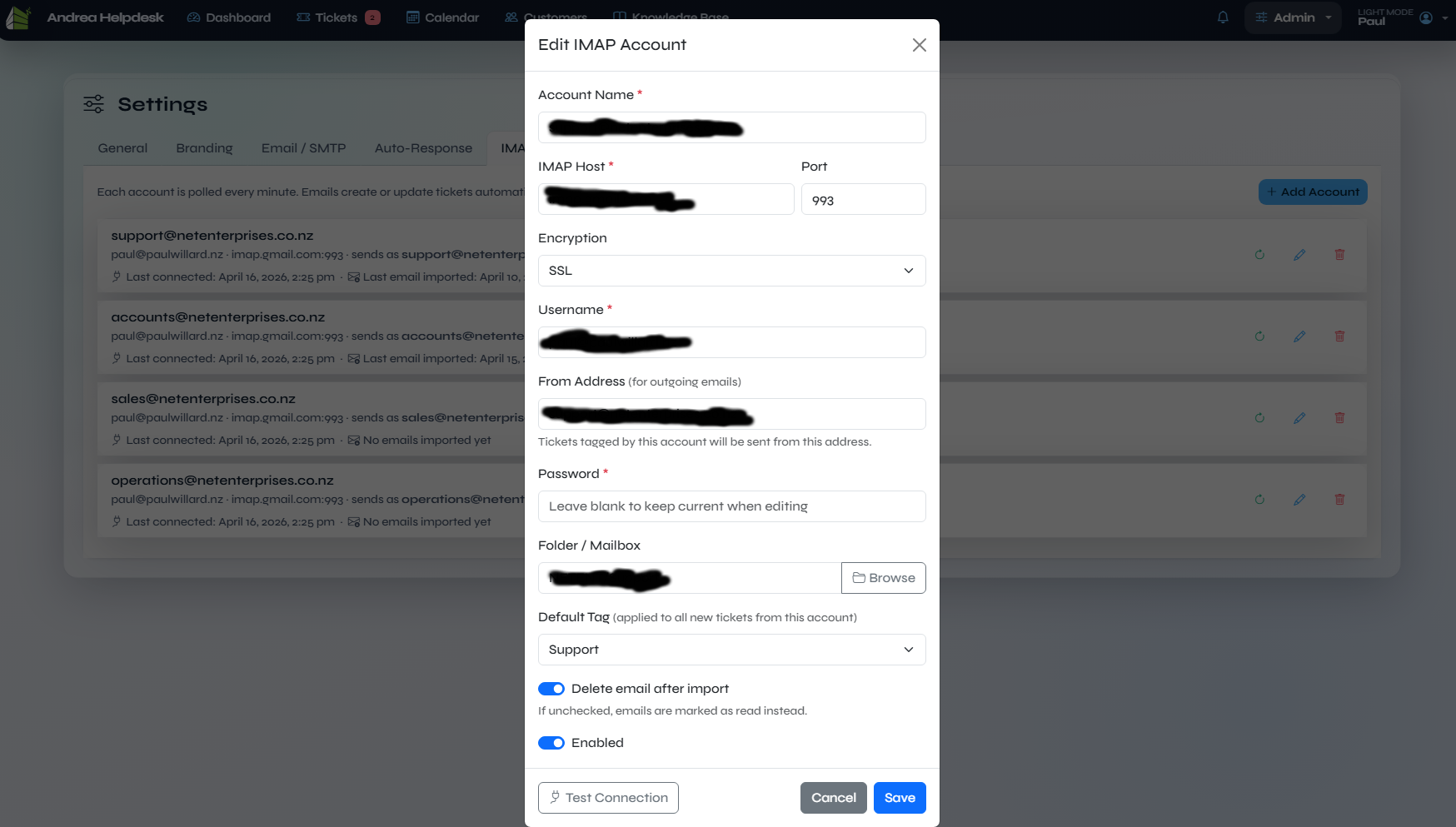
Filename: admin imap pollling edit.png
The IMAP add/edit modal for mailbox credentials, host, folder, and polling settings.
Slack Settings
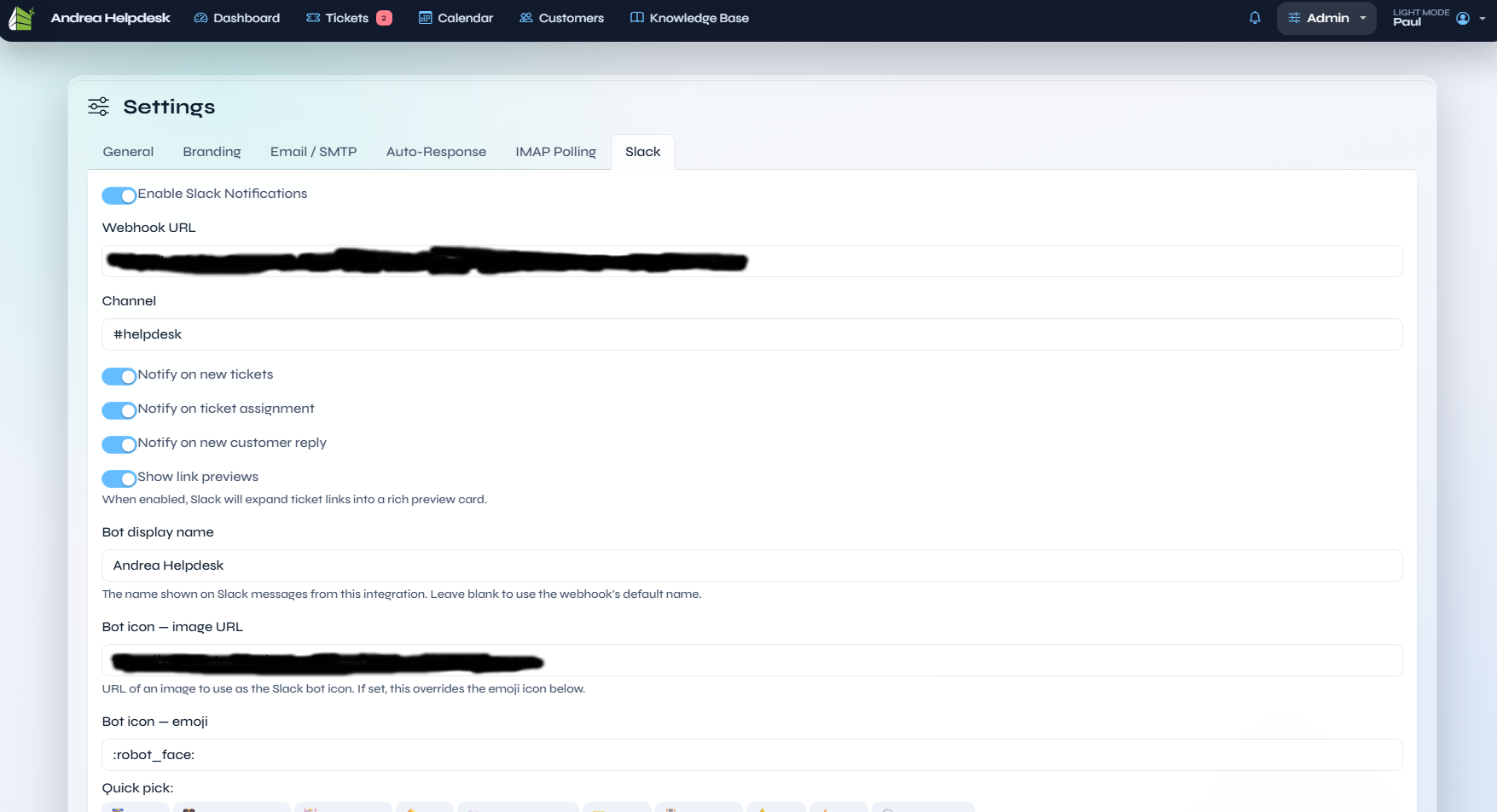
Filename: admin slack.png
The Slack integration settings page for webhook destination, posting behaviour, and Slack-side notification options.
Cache Settings
The Cache settings page configures the optional Redis-backed application cache. It shows php-redis status, Redis connectivity, file-cache fallback writability, setup guidance, cache TTL, Redis host/port/database/prefix settings, and a manual cache-clear action.
Support Form Settings
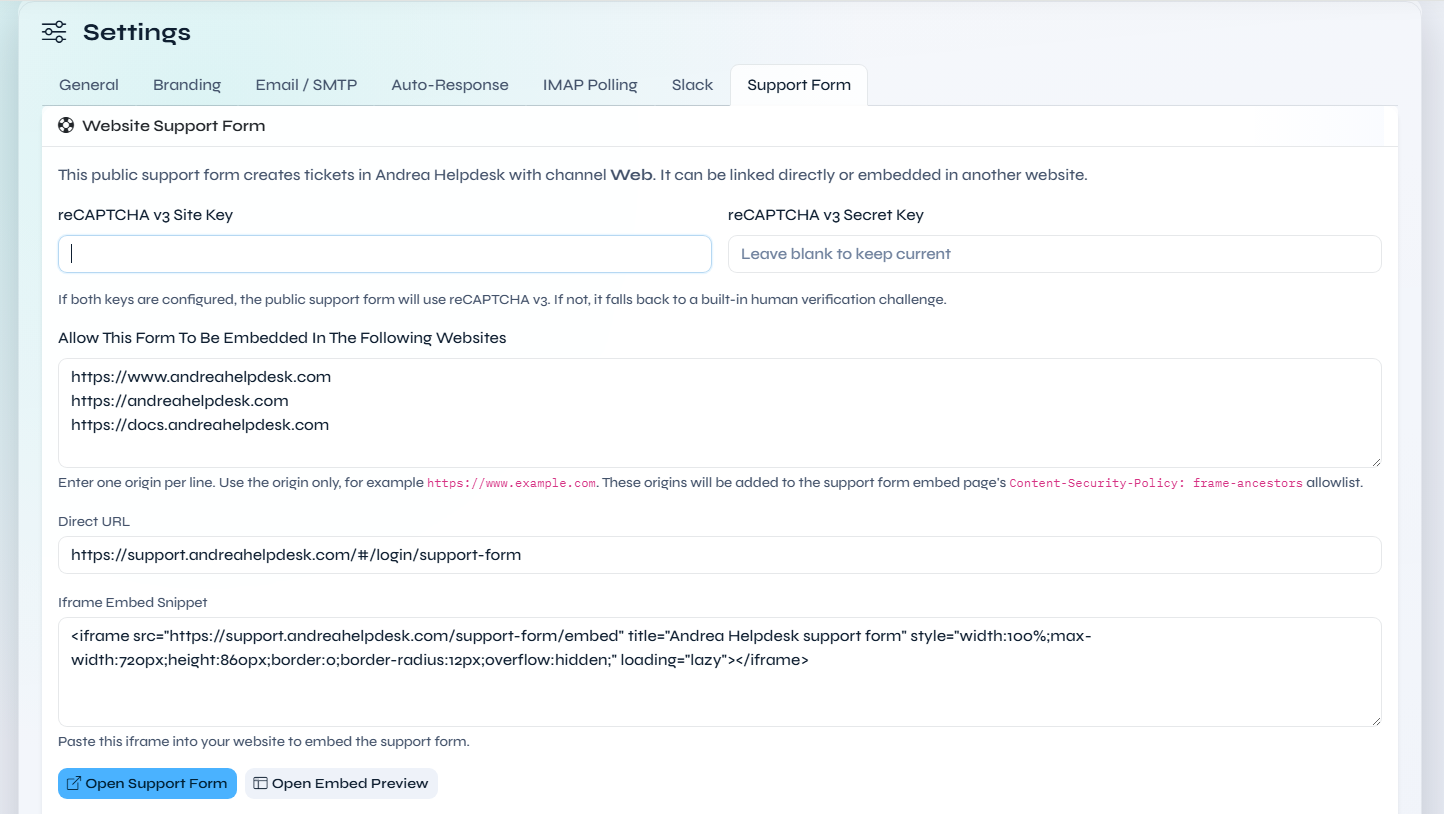
Filename: admin settings support-form.png
The Support Form settings page, showing the public support-form controls for reCAPTCHA v3 site and secret keys, the allowlist of website origins permitted to embed /support-form/embed, the direct public form URL, and the generated iframe embed snippet and preview.
My Profile
My Profile
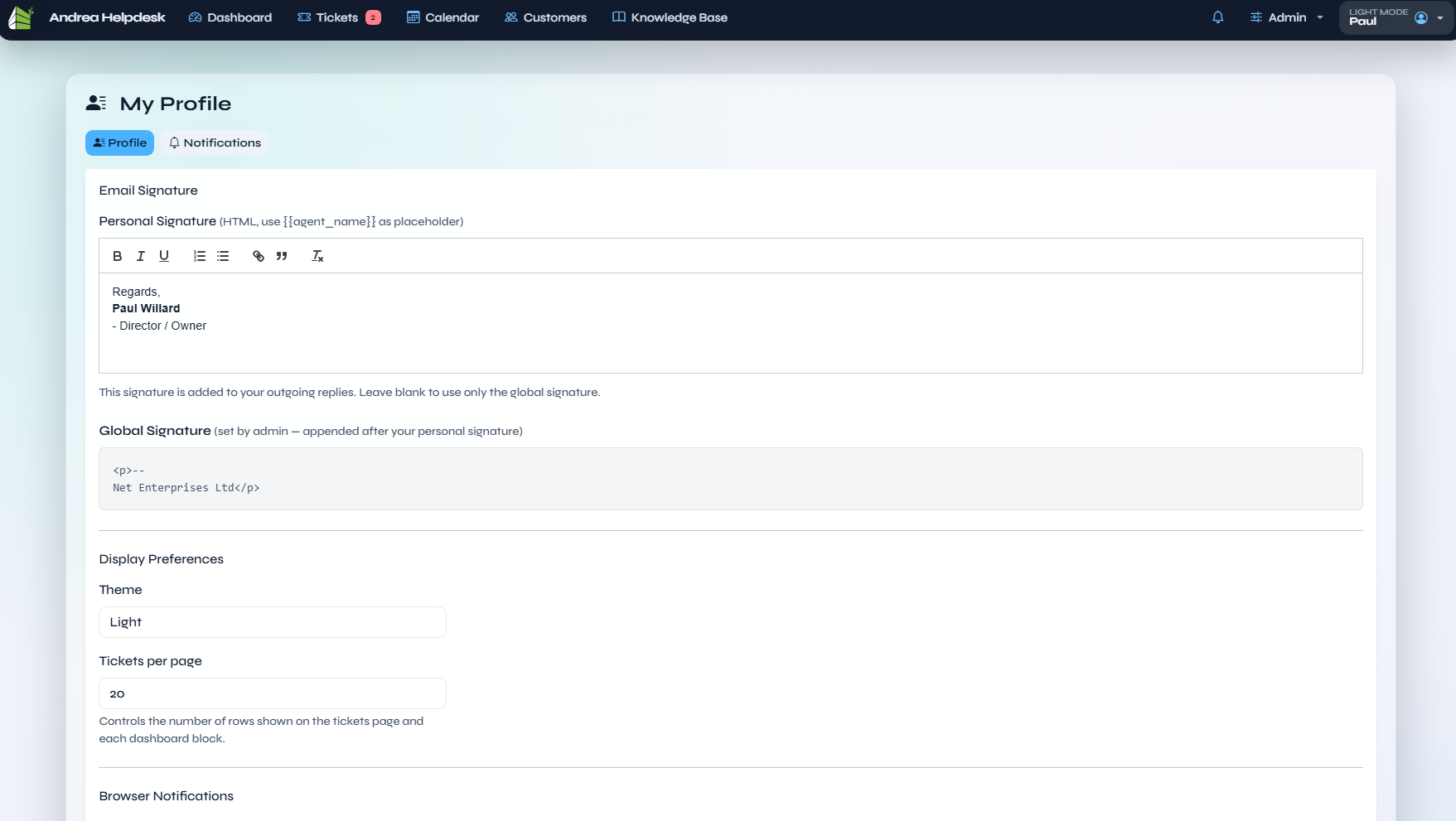
Filename: my profile.png
The per-agent profile page, showing personal signature editing, global signature preview, display preferences, browser-notification controls, and the new profile-level navigation that includes the notifications overview.
PWA And Mobile Install
Android Chrome Install Menu
Filename: Andrea Helpdesk install on Android.jpg
Android Chrome showing Andrea Helpdesk with the browser install option available from the site menu.
Android Install App Action
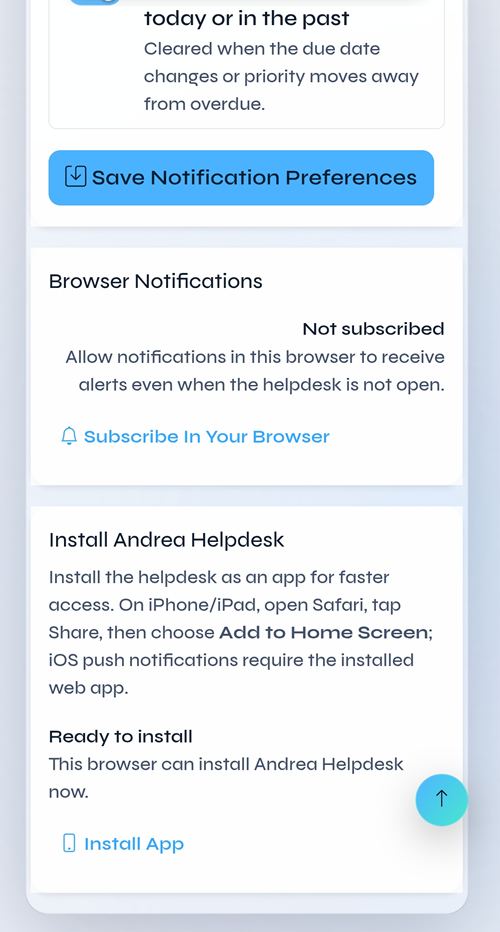
Filename: Andrea Helpdesk - install app.jpg
The Android Chrome Install app action for Andrea Helpdesk, documenting the user entry point for adding the PWA to the device.
Android Install Confirmation
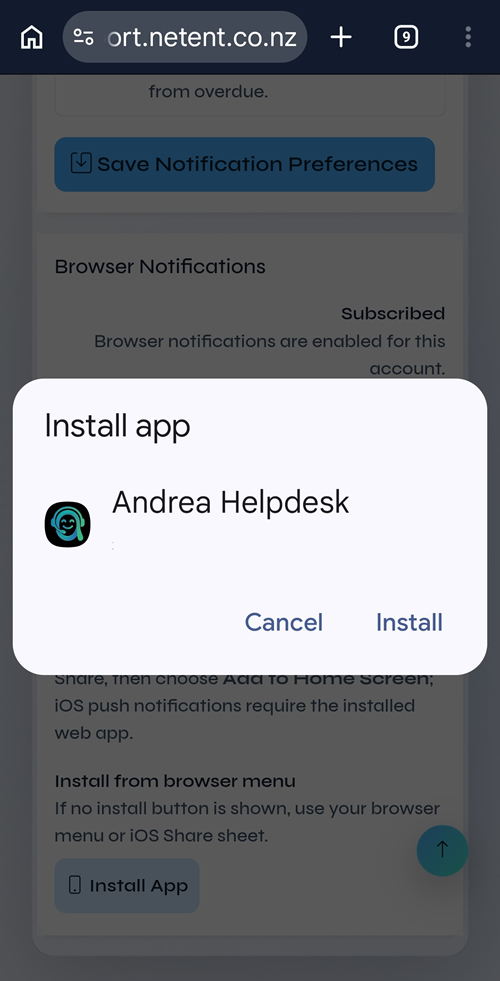
Filename: Android prompt install Andrea Helpdesk.jpg
The Android install confirmation prompt shown before Andrea Helpdesk is added to the device.
Android Notification Permission
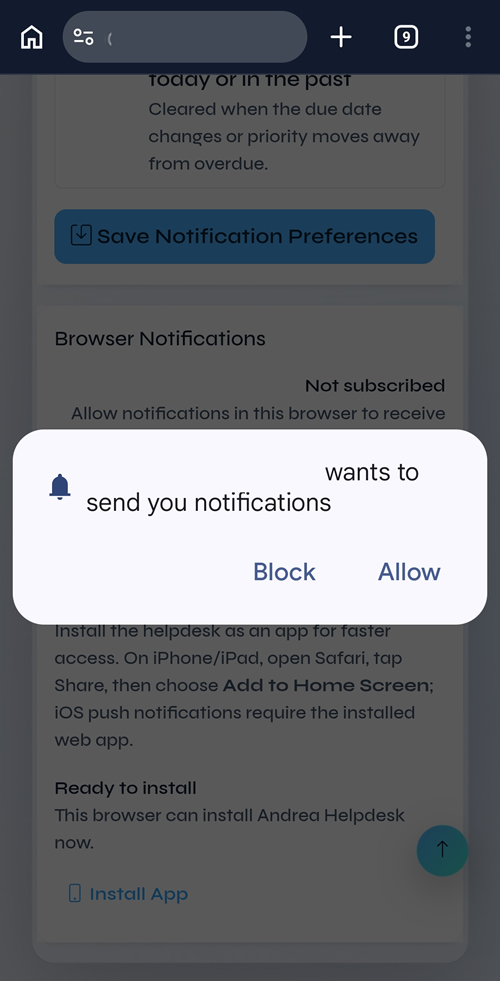
Filename: Andrea Helpdesk wants to send you notifications - Android.jpg
The Android browser / OS permission prompt shown after an agent enables browser push notifications for Andrea Helpdesk.
Notes
- The older screenshot filenames such as
Dashboard.png,Tickets.png, andSettings_General.pnghave been replaced by the current lower-case, space-separated set indocs/screenshots/. - This document intentionally follows the actual on-disk filenames so it stays aligned with the current screenshot pack.
